
Last updated November 18, 2026
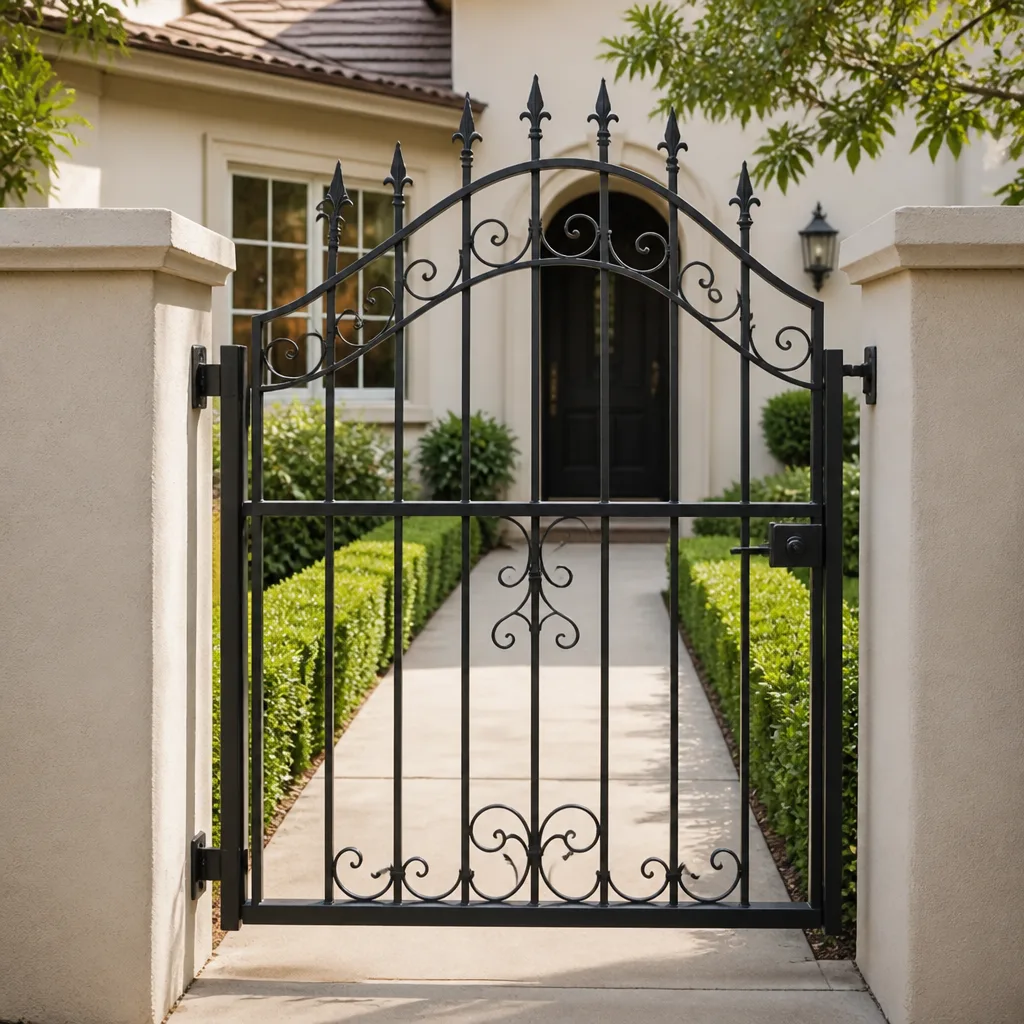 Wrought iron
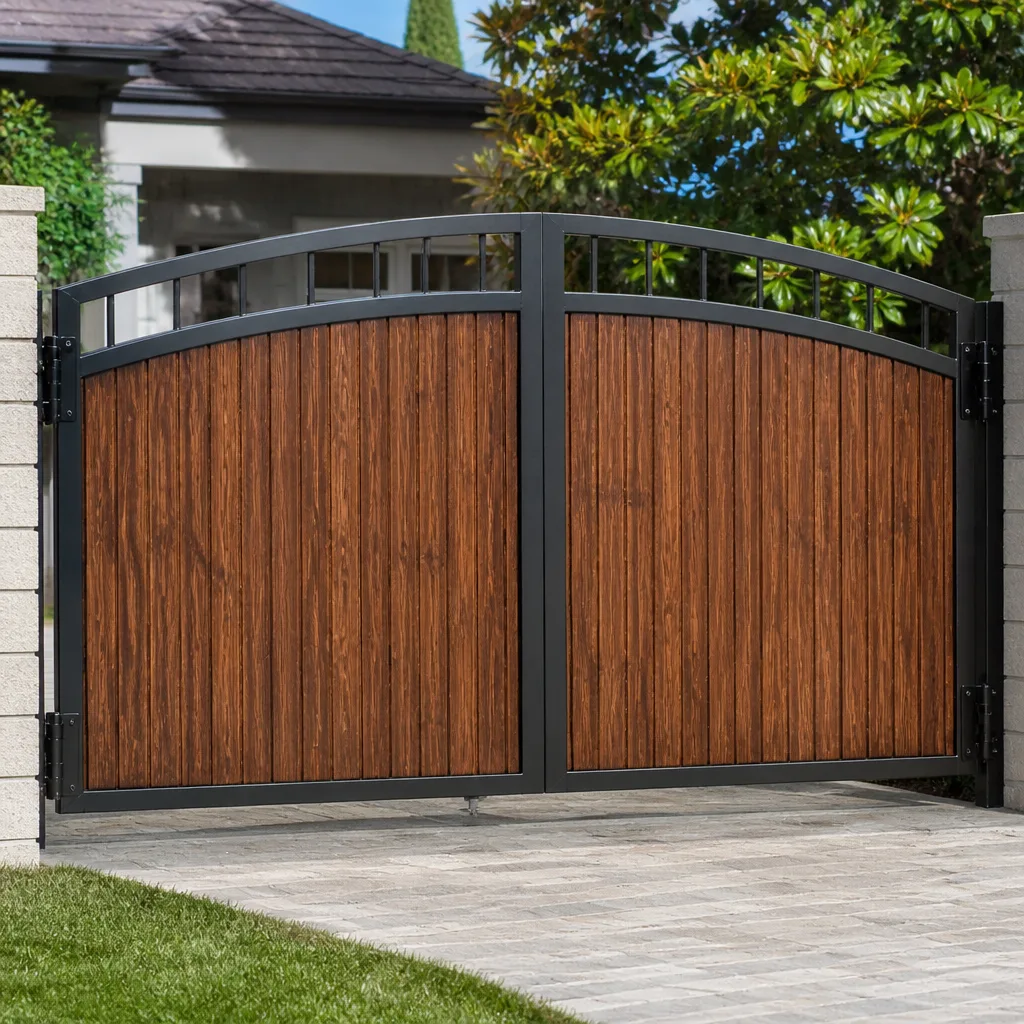 Wood & steel frame
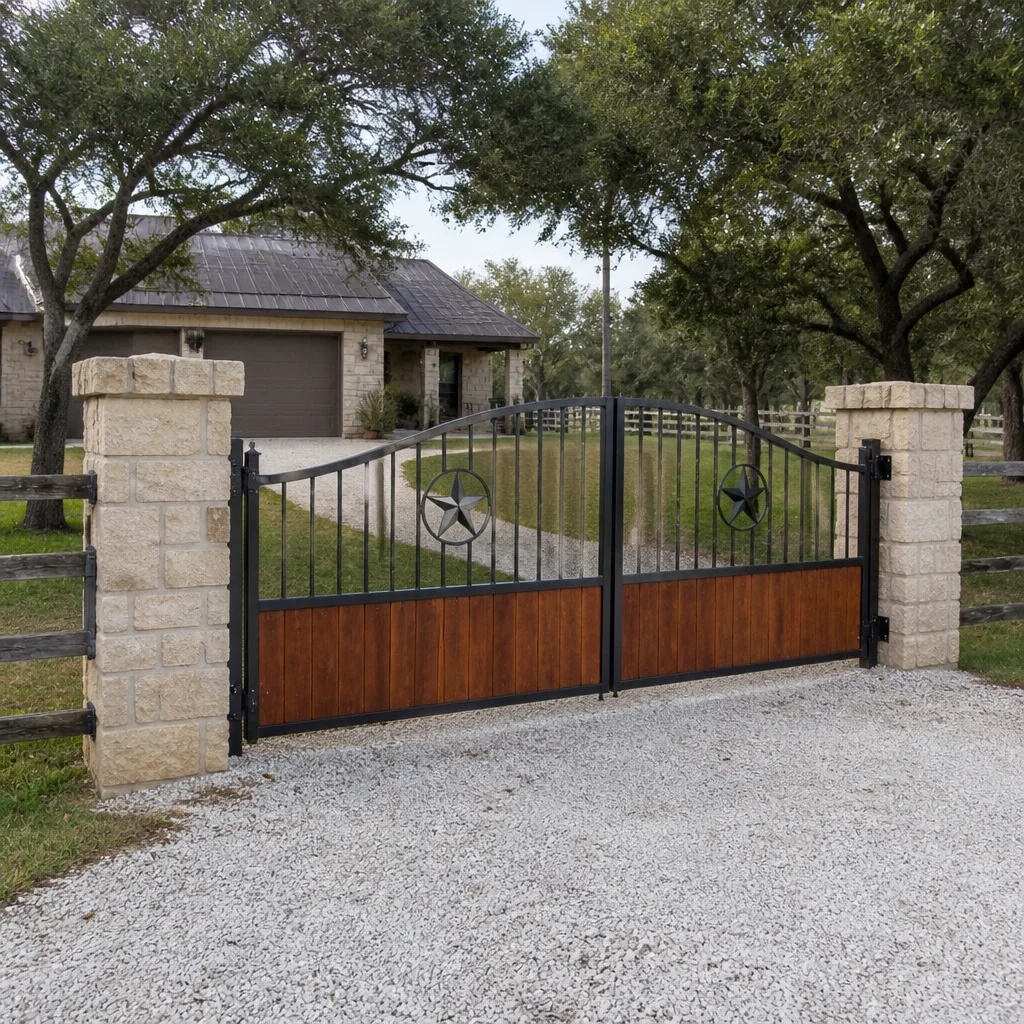 Farm & ranch
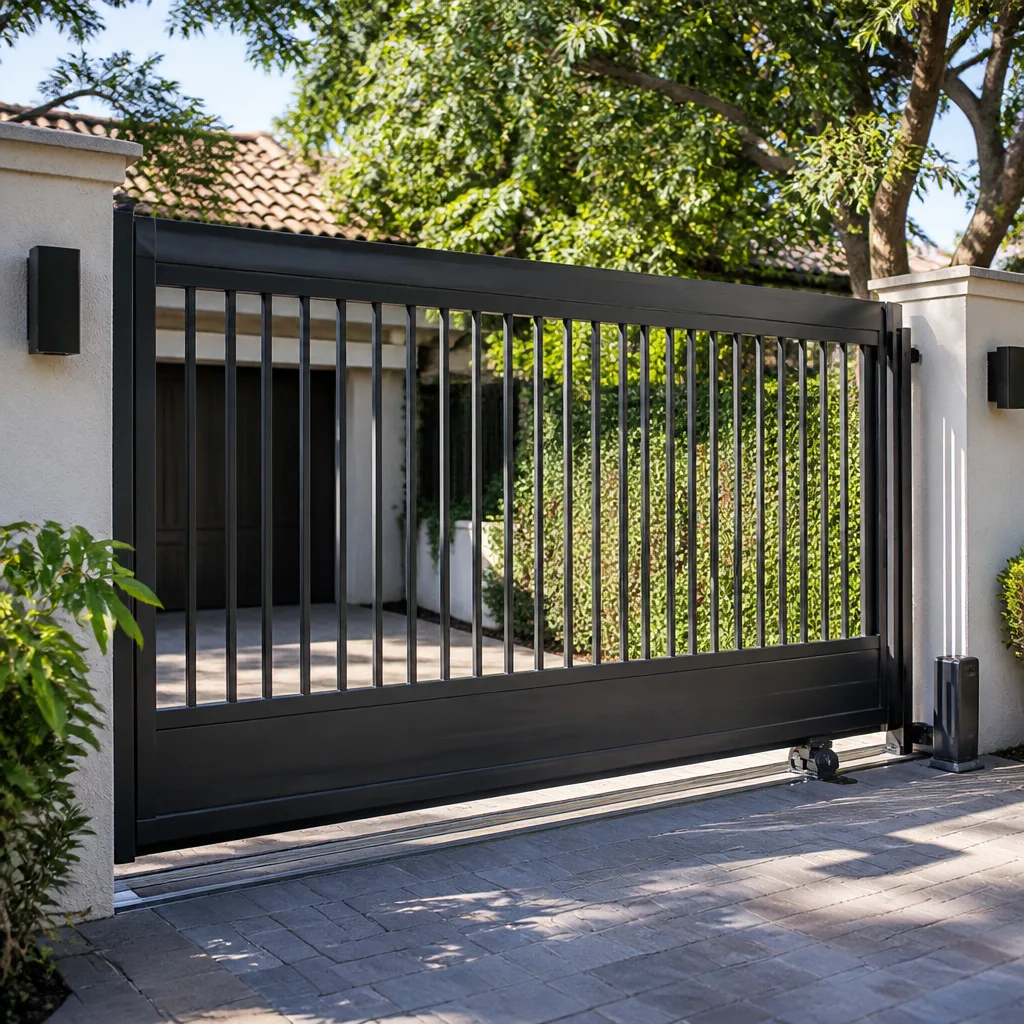 Sliding driveway gates
 LiftMaster operators
Free on-site gate assessment - hinges, posts, and your LiftMaster or Nice gate operator checked before anything is quoted
The assessment is free and the quote is the invoice.
Get your free estimateThe Complete Gate Access Control Guide for Boulder City Homeowners
Two vendors can wire into the same driveway gate and never learn the other exists. The gate company installed a keypad with a dry-contact relay. The smart-home integrator installed a cloud intercom. Both worked fine for eleven months. Then the intercom pushed a firmware update, the relay logic changed, and the gate stopped opening for anyone who wasn’t using the app. Nobody disclosed the conflict because nobody knew about the other system until it broke. This is the most common failure we see in residential access control, and it’s a decision problem, not a hardware problem. This guide maps the architecture decision tree before you talk to a vendor in Boulder City: the three control models, what each one closes off for the next decade, how guest access actually behaves, and what documentation you should demand.
Quick Answer
Residential gate access control in Boulder City comes down to three architectures: standalone (keypad and fob, no network), networked (app and cloud, no local controller), and hybrid (local controller with remote override). Standalone is cheapest to install and most reliable; networked is the most flexible and the most fragile; hybrid is what most homeowners eventually wish they’d chosen on day one. The architecture you pick determines what upgrades, integrations, and service calls cost for the next decade, so it needs to be chosen deliberately rather than inherited from whatever the installer had on the truck.
Styles & brands we work with
- Wrought iron
- Wood & steel frame
- Farm & ranch
- Sliding driveway gates
- LiftMaster operators
Table of Contents
- The Three Access Control Architectures
- Standalone Systems: Keypad and Fob Only
- Networked Systems: App and Cloud Control
- Hybrid Systems: Local Controller With Remote Override
- How Each Architecture Handles Guest Access
- When HOA Integration Enters the Picture
- What Documentation an Install Should Produce
- The Upgrade Path: Keypad to Video to Networked
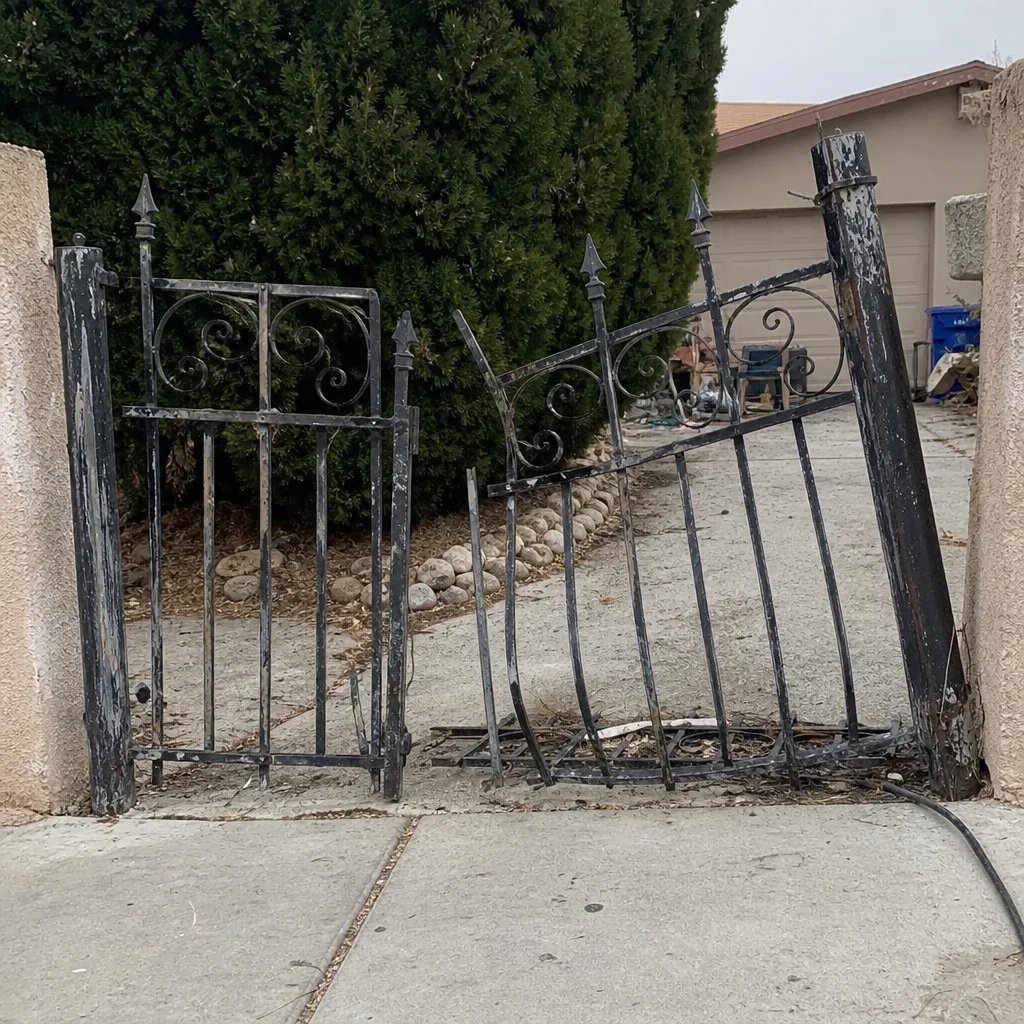 Before
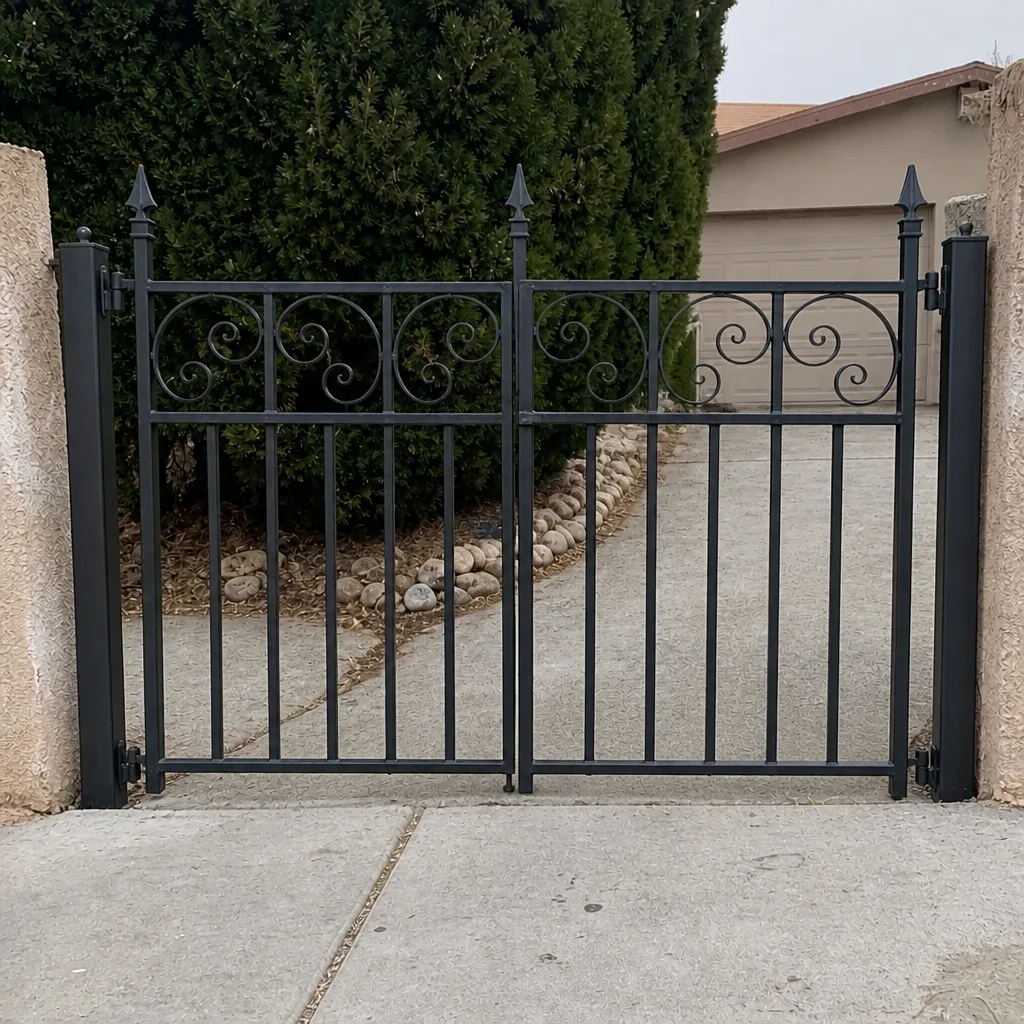 After
The Three Access Control Architectures
Every residential gate access control system in Boulder City is one of three things. The label matters because each one behaves differently when the power flickers, when the internet drops, and when a guest arrives at 9 PM without a fob.
Standalone. A keypad, a receiver, or a fob reader wired directly to the gate operator. No network connection. No cloud account. The credential list lives in the keypad’s memory. If the keypad dies, you reprogram it. If the power dies, the gate does whatever the operator’s manual release says. Everything else is unaffected.
Networked. An app-controlled intercom or access module with a cloud backend. Credentials are managed from a phone. Video is often included. Push notifications when someone calls at the gate. The gate depends on two things it didn’t depend on before: the local Wi-Fi, and the vendor’s cloud service staying up.
Hybrid. A local controller that stores credentials and access rules on-site, with a remote override so the homeowner can still open the gate from a phone. The cloud is a convenience layer, not a dependency. If the network drops, the local rules keep working.
Here’s the trade-off in one line each. Standalone minimizes integration risk but gives you no remote visibility. Networked maximizes flexibility but introduces firmware, network, and vendor-continuity risk. Hybrid costs slightly more upfront and is the architecture that survives the longest without rework.
Standalone Systems: Keypad and Fob Only
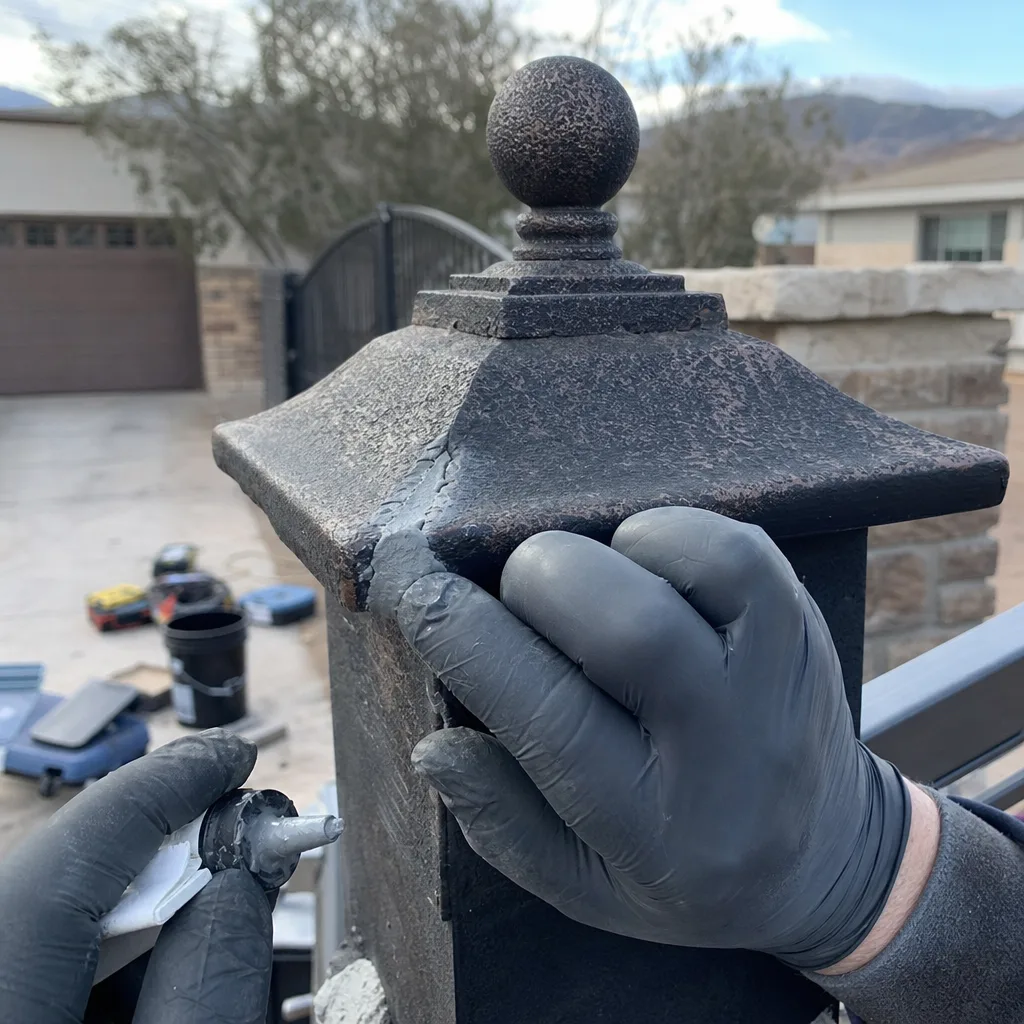
A standalone system is a keypad or fob reader wired to the operator’s control board. This is what most Boulder City homes built before roughly 2015 already have, and it’s still the right answer for a household with no rental traffic, no regular contractors, and no interest in managing guests remotely.
What works well:
- No internet dependency. The gate opens when the power is on, full stop.
- Credential management is a physical process: you program a code, you delete a code, the keypad remembers. No app, no account, no password reset.
- Service is straightforward. A keypad fails, you replace the keypad. A receiver fails, you replace the receiver. Neither transaction involves the cloud.
- FAAC and Linear both make standalone keypads that our technicians see frequently on residential gates, and parts availability is generally good.
What breaks. The failure mode of a standalone system is unmanaged credential sprawl. A code gets shared with a house cleaner, then the cleaner’s replacement, then a contractor, then a neighbor who was feeding the cat. Three years later nobody can tell you which codes are still active. We’ve pulled keypads in Boulder City with eleven codes programmed when the homeowner thought there were three. If you go standalone, put a credential log in the house and update it every single time a code changes. That log is the entire security posture of the system.
Networked Systems: App and Cloud Control
A networked system moves the credential list off the keypad and into an app. The front gate intercom calls your phone. You see who’s there, you tap a button, the gate opens. You issue a temporary code to a delivery driver, revoke it an hour later, and never have to walk out to the keypad.
That flexibility is real, and it’s why networked systems have become the default recommendation from smart-home integrators. It’s also why they produce the failure we opened this guide with. Four things you’re accepting when you choose networked:
- Your gate now depends on your home Wi-Fi. If the router reboots and the intercom doesn’t reconnect, the gate might sit unavailable until someone notices.
- Your gate now depends on a vendor’s cloud. If the vendor changes firmware, changes subscription terms, or shuts down the service, the hardware you own may stop functioning as designed.
- Your system now has two control boards that can disagree: the intercom’s relay output and the gate operator’s control input. They have to be wired and configured to agree, and firmware updates on either side can change that agreement without warning.
- You’ll want someone who can read a wiring diagram at the operator to diagnose the disagreement, because the app will show “gate offline” whether the Wi-Fi dropped, the relay failed, or the operator is in a fault state.
None of that makes networked a bad choice. It makes it a choice with dependencies. If you’re going networked in Boulder City, insist that the installer document every input and output connection and confirm which firmware versions were running on the day of installation. That record is what saves you a diagnostic fee later.
Hybrid Systems: Local Controller With Remote Override
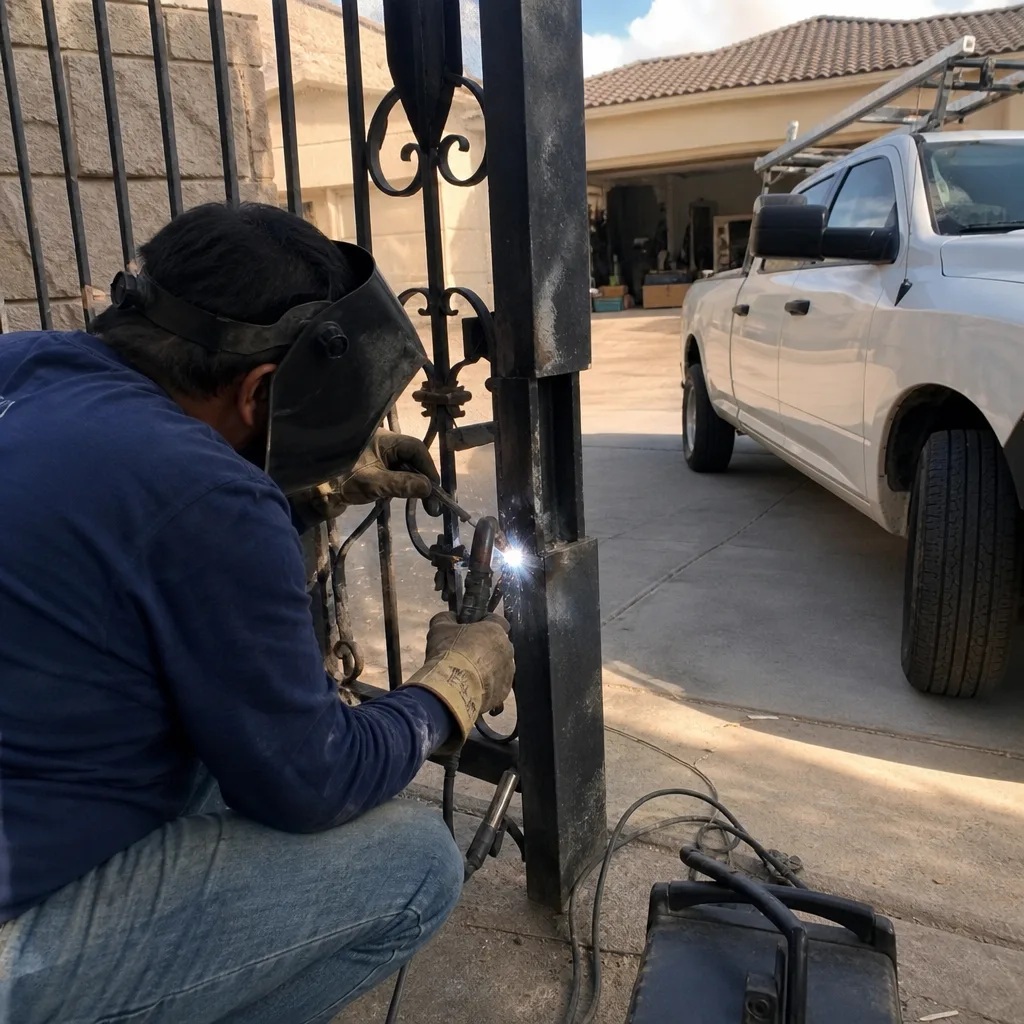
A hybrid system keeps the credential list on a controller at the property and adds a remote override for phone-based access. The local controller does the gate-opening work. The remote path is a convenience that can fail without taking the gate offline.
In our experience this is the architecture most Boulder City homeowners end up wanting after living with the other two. It gives you the guest-access flexibility of a networked system, but the front gate keeps working when the internet drops, when the app vendor updates firmware, and when a delivery driver can’t figure out the app. The trade-off is a slightly higher upfront cost and a more involved installation, because the controller has to be wired into the operator correctly and the remote override has to be configured so it doesn’t conflict with local access rules.
Viking and BFT both make controllers that fit this model, and we see both on residential gates in the area. Hybrid is also the architecture that ages best: a controller doesn’t care what phone you carry, and the gate doesn’t care what happens to your router.
How Each Architecture Handles Guest Access
Guest access is where the architecture choice becomes visible to everyone who isn’t you. Delivery drivers, vacation rental guests, and a plumber who needs the gate open for ninety minutes are not going to read a fob-programming manual. Here’s how each model behaves.
Standalone. Every guest gets a code, or an intercom call to the house. Delivery drivers either call the house phone or leave the package at the curb. Vacation rental guests need a code issued before arrival and revoked after departure, and if you forget the revoke, the code stays live. Temporary contractor access is the same problem, and the code rarely gets revoked on time.
Networked. The intercom rings your phone. You tap open. You issue temporary codes from the app, with an expiry time. This is the cleanest guest experience of the three, provided the guest can reach the intercom and your phone has reception. When the cloud is down, the same guest has no way in and no way to call.
Hybrid. Temporary codes are issued locally with an expiry, so a plumber’s code stops working on schedule without you remembering to revoke it. The remote override gives you the same app-open capability for a guest who can’t reach the keypad. The app-dependency is real but narrower: if the cloud drops, the local rules still let your scheduled guests in.
A common failure in Boulder City rentals is a networked intercom that requires the guest to install an app before arrival. Guests don’t. They call from the driveway. Choose guest-access features you can explain in one sentence over the phone, or you’ll be handling those calls at every check-in.
When HOA Integration Enters the Picture
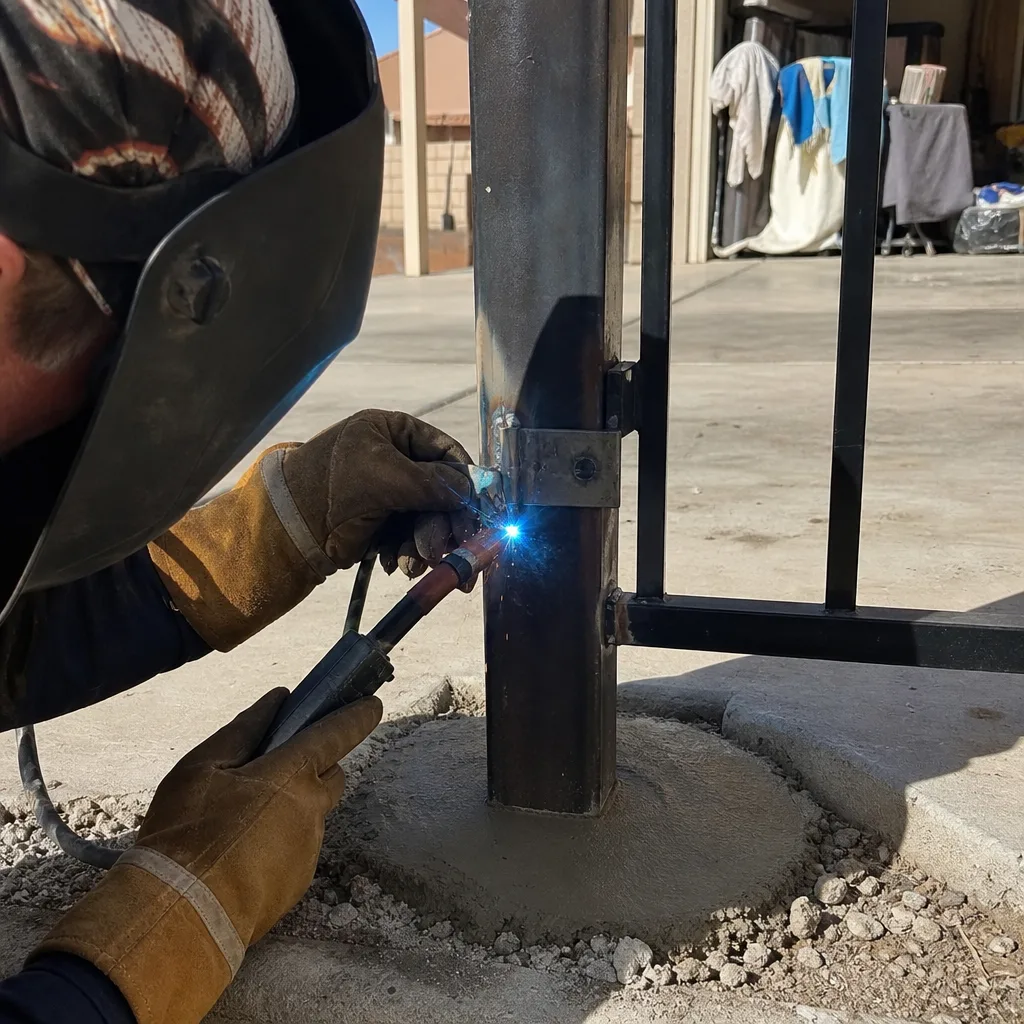
This is where Boulder City properties get complicated. Many communities here run their own access system at the community gate or shared entry, and that system often has to coexist with the property-level access system on the individual driveway. A CallBox at the community entrance and a Linear AK keypad at the residence are two different systems on the same address.
The question to settle before anyone installs anything: which system controls which gate, and which credentials are shared across both? Most integration problems come from an installer assuming the community system handles the property gate, or the reverse. Neither vendor typically talks to the other, and the homeowner ends up explaining the wiring to both of them.
Three things to check before signing off on an HOA-adjacent installation:
- Confirm which gate the HOA’s system controls and which gate the property system controls. Do this in writing, from the HOA.
- Confirm whether your property system needs to open the community gate (many don’t, but the assumption causes real conflicts).
- Confirm the credential model on each side so a guest code issued for one gate doesn’t silently work on the other.
If you’re not sure who installed the community system or what hardware it uses, that’s a reasonable reason to have a technician look at both gates before making any changes.
What Documentation an Install Should Produce
Access control documentation isn’t a nice extra. It’s what determines whether the next technician spends twenty minutes or three hours diagnosing the system, and who pays for that time. Every installation on a Boulder City property should leave behind:
- A wiring diagram showing every input and output connection at the operator: which relay closes which gate input, which wire runs to which terminal, and what the control board expects to see on each input.
- A credential record: every active code, fob, or app user, who it’s assigned to, and the date it was issued.
- Admin login documentation for any controller or cloud service, with the credentials stored with the property, not with the installer.
- A photographed record of the installation: the controller as mounted, the wiring at the operator, the limit-switch position, and any settings adjusted during the visit.
- The firmware version running on every connected device on the day the job closed, so a later firmware update can be identified in a service call rather than guessed at.
The most common documentation failure is with the smart-home integrator, who often leaves no wiring diagram at the gate operator at all, because the integration was managed from the app. When something goes wrong, the gate company (us, or anyone else) is asked to diagnose a system whose wiring was never documented. Insist on the diagram before the install closes.
The Upgrade Path: Keypad to Video to Networked
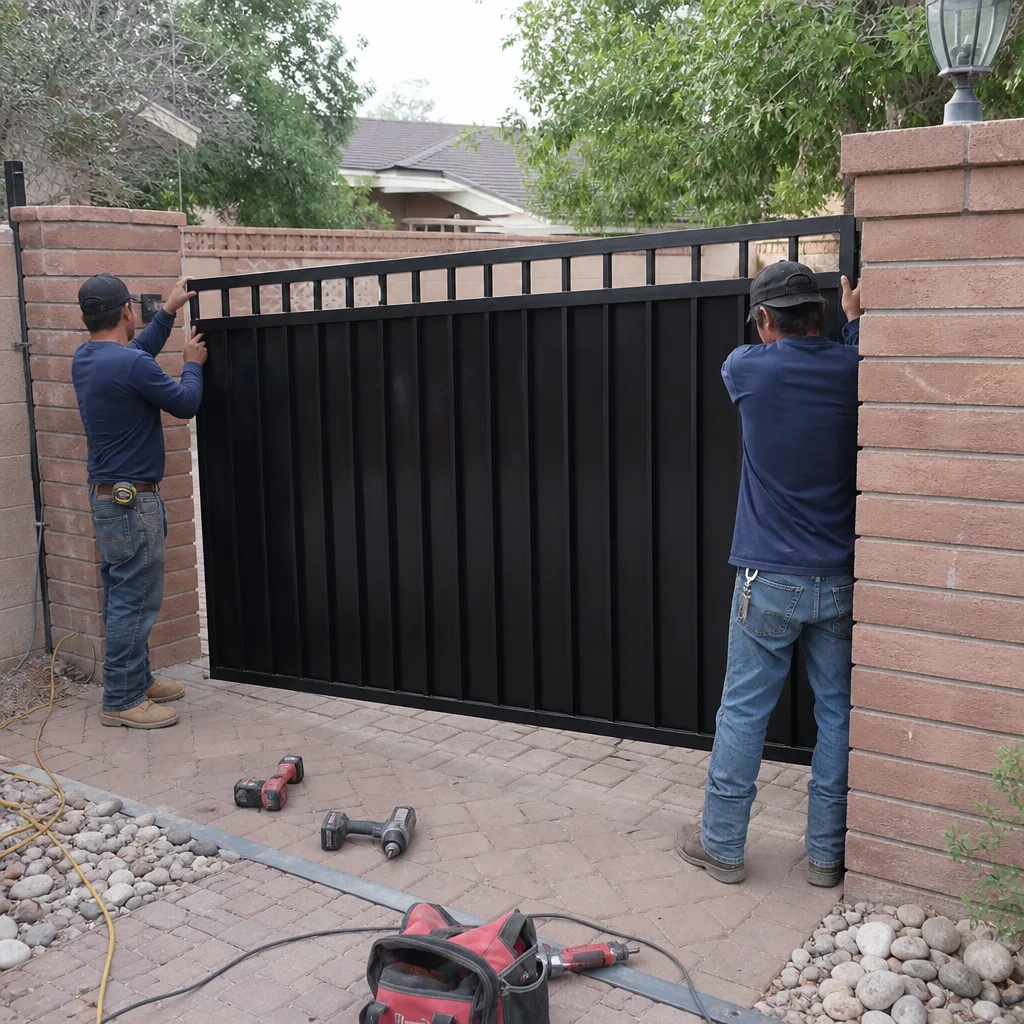
Homeowners ask about upgrade paths in a way that assumes the answer is “a better product.” The real question is: what does the architecture I choose today close off? Here’s the decision tree as we’d walk through it.
- Starting from a standalone keypad. The upgrade path is open: you can add a receiver, a fob reader, or a local controller without replacing the operator. What you cannot do from here is issue a temporary code to a guest who is not standing at the gate.
- Starting from a video intercom. The most common next step, usually bolted onto an existing operator. You get phone-based guest access. You also inherit the firmware-and-cloud dependency discussed above. The upgrade path forward is to add the local controller that makes the video intercom a convenience layer rather than the only way in.
- Starting from a hybrid controller. The upgrade path stays open in both directions: you can add video, you can add an app, you can add a fob reader, and none of those additions take the gate offline if the cloud or the network fails.
- Starting from a networked system with no local controller. The expensive upgrade is the one that adds the local controller after the fact, because it means rewiring the operator that the smart-home integrator wired for cloud control. Choosing hybrid up front is the cheapest way to keep this option open.
Before you pick any of those, get a written scope that names the architecture, the hardware, and the upgrade options each one preserves. That’s the difference between a good decision and an inherited one.
Common Mistakes to Avoid
- Installing a cloud intercom and a gate keypad on the same operator without documenting that both exist. This is the exact situation that leads to firmware updates breaking the gate for the homeowner. Every device on the operator should be listed on the as-built wiring diagram.
- Choosing networked because the app looks nice, without checking that the property’s Wi-Fi reaches the gate. In Boulder City, gate-mounted intercoms are often at the edge of the router’s range, and a weak signal is the number one cause of “gate offline” service calls.
- Assuming the HOA’s community gate system and the property’s access system are integrated when nobody has confirmed it in writing. We’ve seen both vendors show up to fix the same problem and neither knew the other was involved.
- Leaving admin login credentials with the installer instead of the property. If the installer changes hands in three years, you lose the ability to make administrative changes to your own system.
- Choosing standalone without a credential log. A keypad with eleven unlogged codes isn’t access control, it’s a roulette wheel.
- Adding a video intercom as the primary control path without confirming that the cloud service is one you can reasonably expect to keep working through the next several firmware cycles.
- Authorizing an install without a wiring diagram at the operator. It’s the single document most likely to save the next technician hours and you a diagnostic fee.
See the difference
BeforeAfter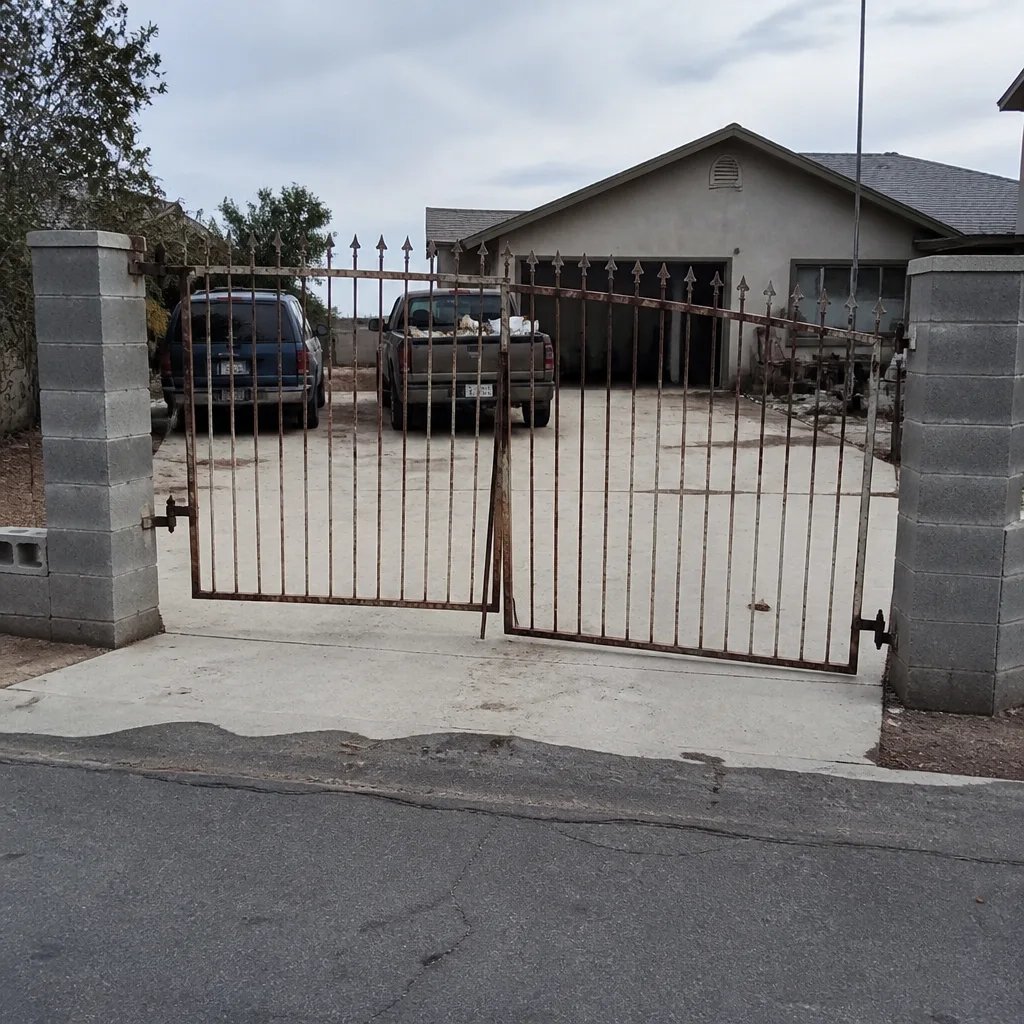 Before
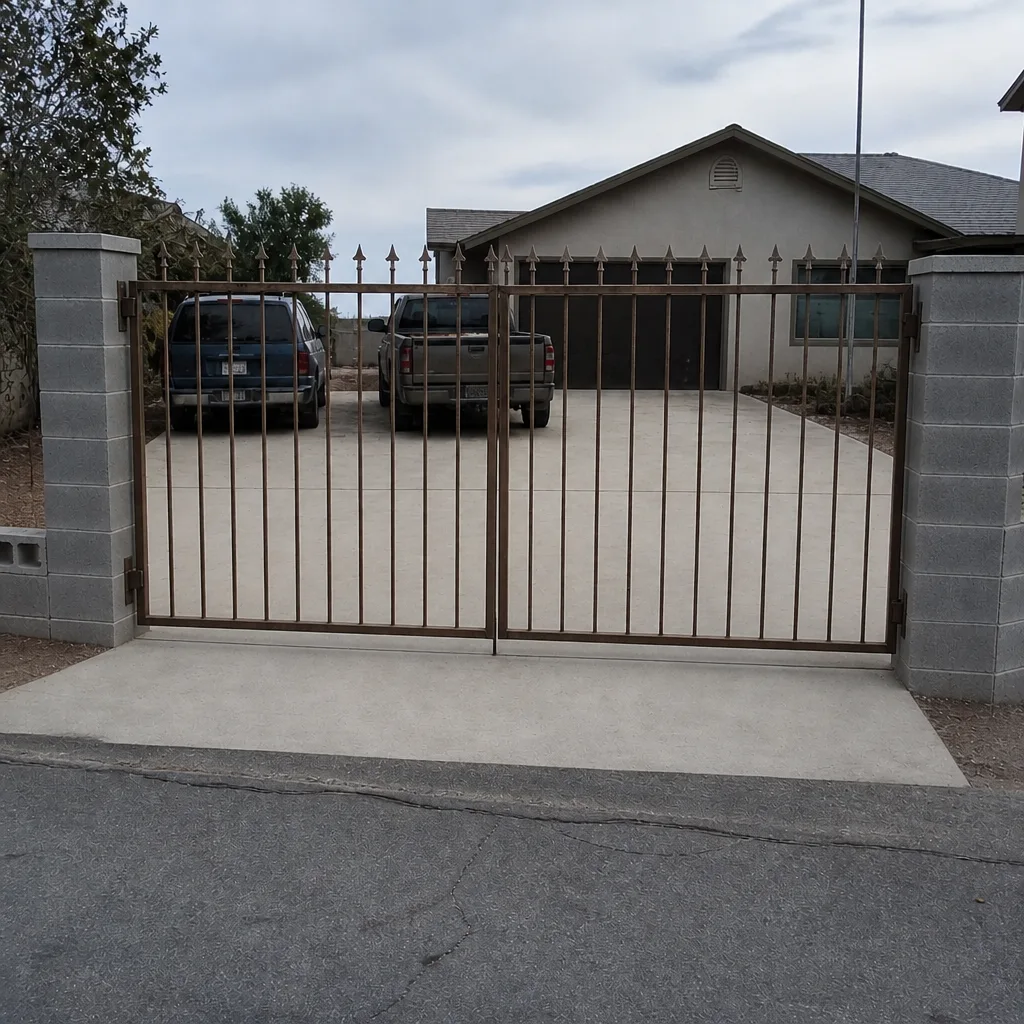 After
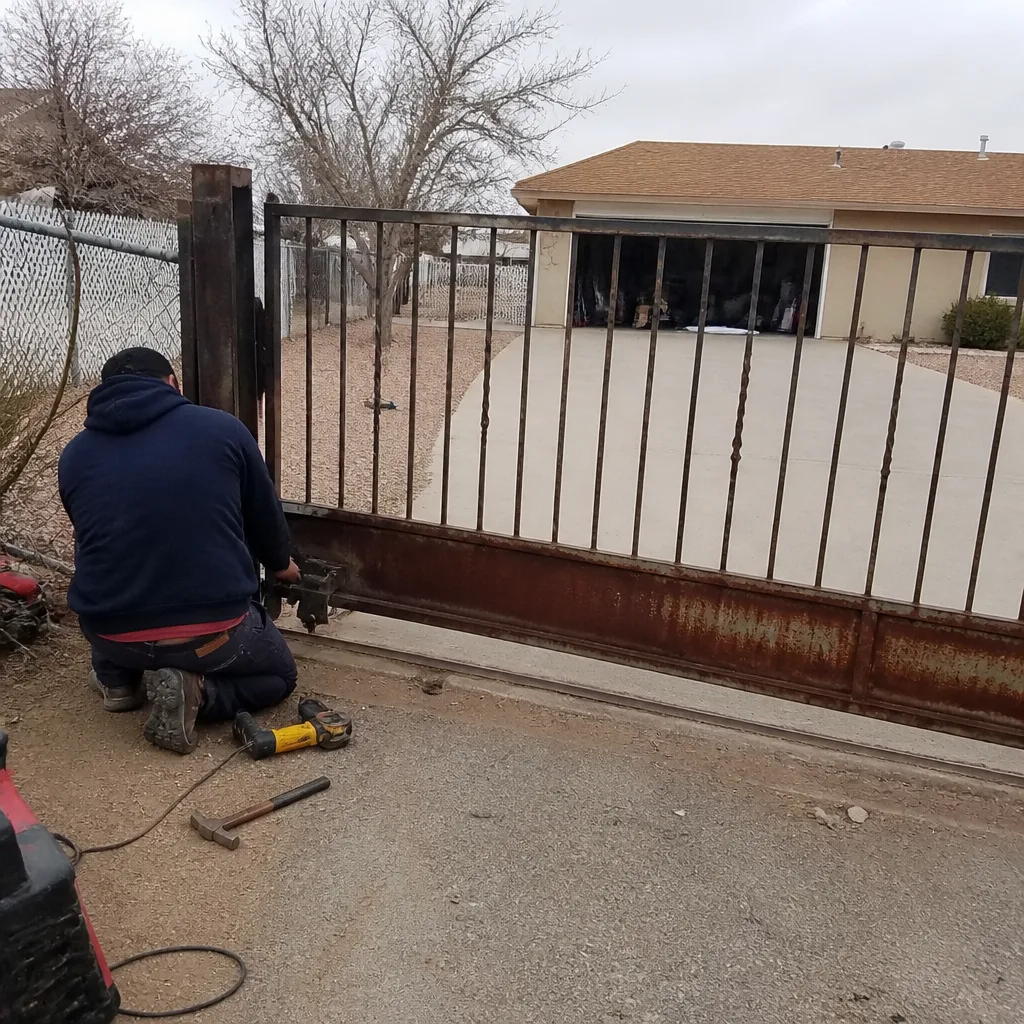 Before
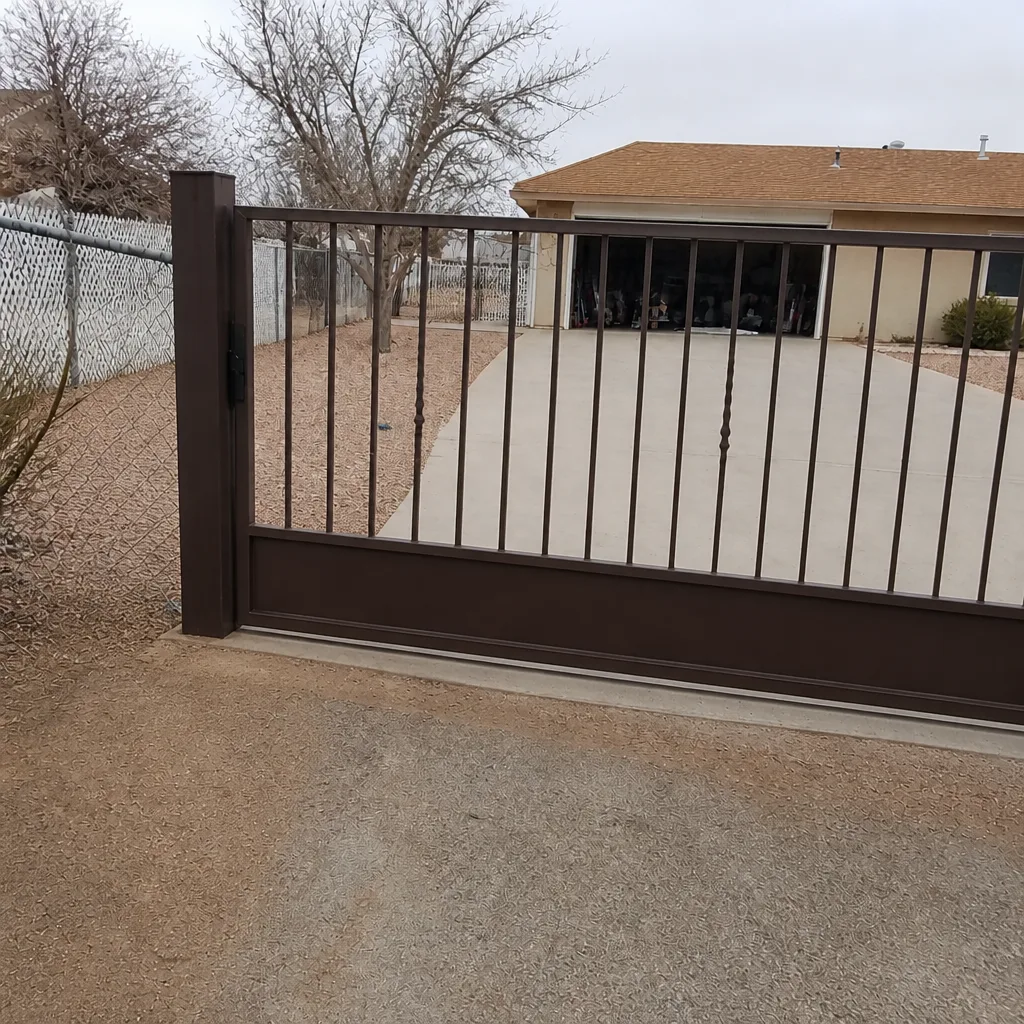 After
When to Call a Professional
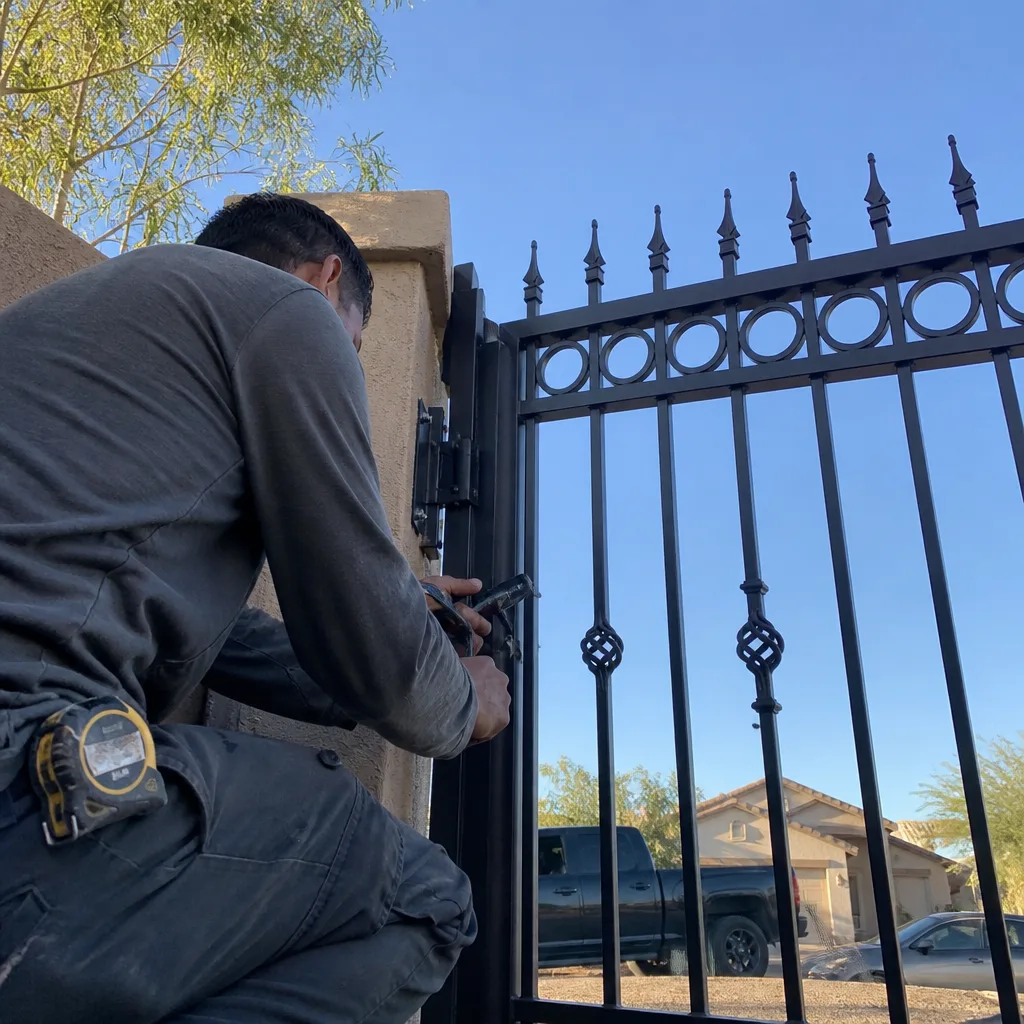
If the gate won’t open and the app shows “offline,” you need a technician who can test the operator control input, the intercom relay, and the local controller in one visit rather than guessing which of the three failed. If a smart-home integrator has added a cloud system to an existing operator, or an HOA system is in play at the community gate, the wiring is almost certainly more complex than it looks, and the risk of pushing a change that breaks the other system is real. If you’re choosing an architecture from scratch for a new build or a significant renovation, a written scope before installation is worth more than a lower line item from a vendor who didn’t ask what your guest traffic looks like. Any of those is a reasonable moment to call.
We service all three architectures and every major brand on the operator, including FAAC, BFT, Linear, and Viking, and we carry a live person on the phone at any hour. Vance Gate Repair Boulder City offers free estimates in Boulder City – call (844) 320-7587 for a written scope and price before any work starts.
Frequently Asked Questions
A standalone keypad or fob system typically runs from roughly $350 to $850 depending on the keypad and whether the wiring run to the gate already exists. A video intercom or networked system runs from roughly $1,200 to $3,500 based on the intercom, the controller, and the wiring. The exact number depends on the gate operator and the wiring at the operator, which is why we inspect both before quoting. Call (844) 320-7587 for a free written estimate.
Almost always, if the operator’s control inputs are intact. A video intercom is wired to the operator’s open input through a relay, and the wiring is the part that needs to be done carefully so the intercom and any existing keypad don’t fight each other. The intercom itself is a straightforward addition to most residential operators we see in Boulder City.
Standalone stores credentials on the keypad and doesn’t touch the internet. Networked stores credentials in an app and a cloud service, so it depends on your Wi-Fi and the vendor. Hybrid is the middle path: the controller lives on-site with a remote override. The trade-off is reliability versus flexibility, and that trade-off applies on every property regardless of gate brand.
When you have guest traffic you can’t manage from a keypad. Rental guests, recurring contractors, and delivery drivers are the usual reasons. Hybrid lets you issue a temporary code that expires on schedule without depending on the cloud to enforce it, and the local rules keep working when the internet drops. If your home has none of that guest traffic, standalone is often the right answer.
Yes, and it should include the wiring diagram, the credential record, the admin login credentials, and a photograph of the installation at the operator. The documentation matters because it’s the difference between the next technician diagnosing your system in twenty minutes or spending three hours on the phone. Ask before the install closes, because it’s much easier to produce then.
Yes. We service the major brands we see on residential gates, including FAAC, BFT, Linear, and Viking, regardless of who installed them. If you have a written estimate from another company for a repair or upgrade, we’ll review it at no charge as a free second opinion. Call (844) 320-7587 and we’ll walk through what the paperwork says and what the gate is actually doing.
The Bottom Line
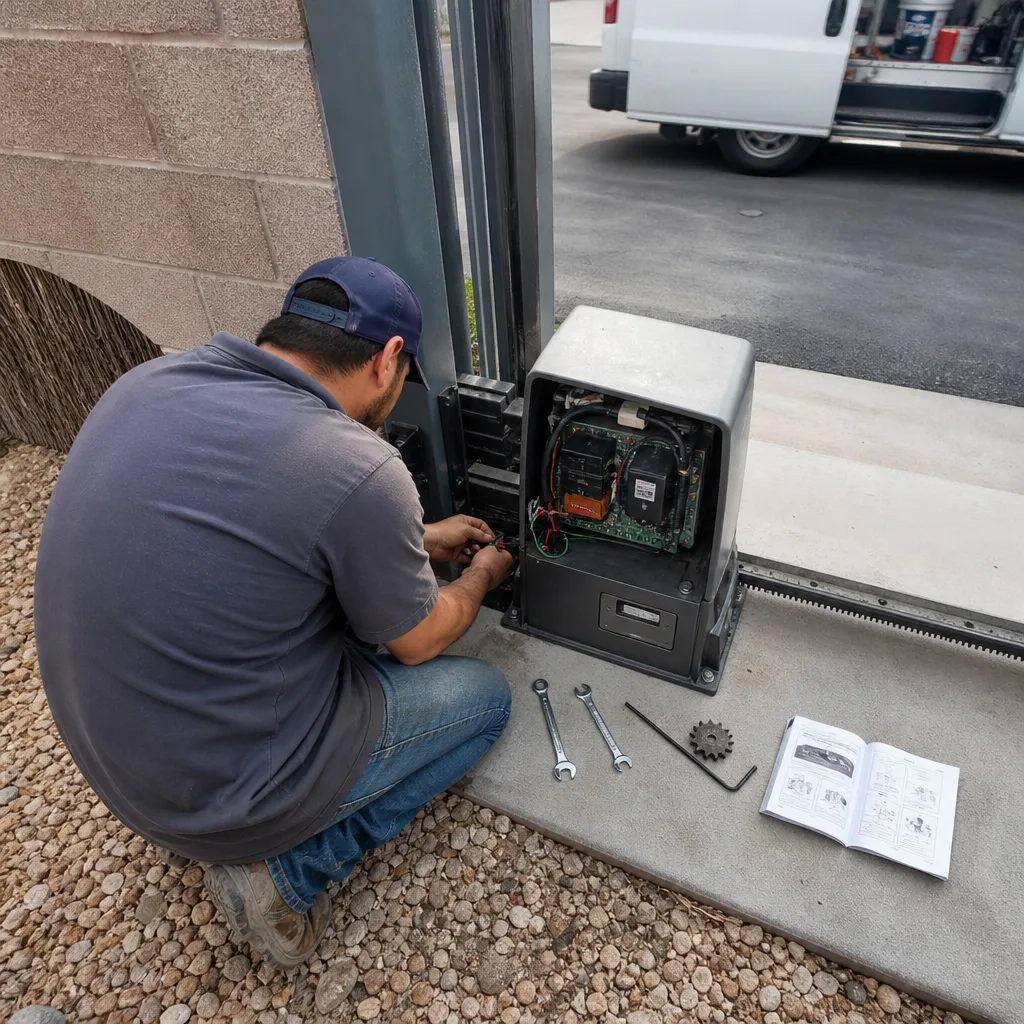
Access control is an architecture decision, not a product decision, and the architecture you pick today sets the cost and flexibility of every future integration, upgrade, and service call. Standalone is reliable and closed to remote guest access. Networked is flexible and dependent on the cloud and your Wi-Fi. Hybrid costs a little more upfront and stays open in both directions. Whichever you choose, put the wires on paper, keep the admin credentials at the property, and photograph the installation before the installer leaves. If you’re starting from scratch or untangling a system someone else installed, get the architecture scoped in writing before anyone picks up a tool.
Call (844) 320-7587 for a free estimate – we’ll look at the operator, the control wiring, and the existing access hardware, and hand you a written scope before any work starts. Every visit includes a photographed record and a written price under The Haven Standard, backed by our 365-Day Done Right Promise.
Written by the team at Vance Gate Repair Boulder City.