
Last updated November 18, 2026
 Wrought iron
 Wood & steel frame
 Farm & ranch
 Sliding driveway gates
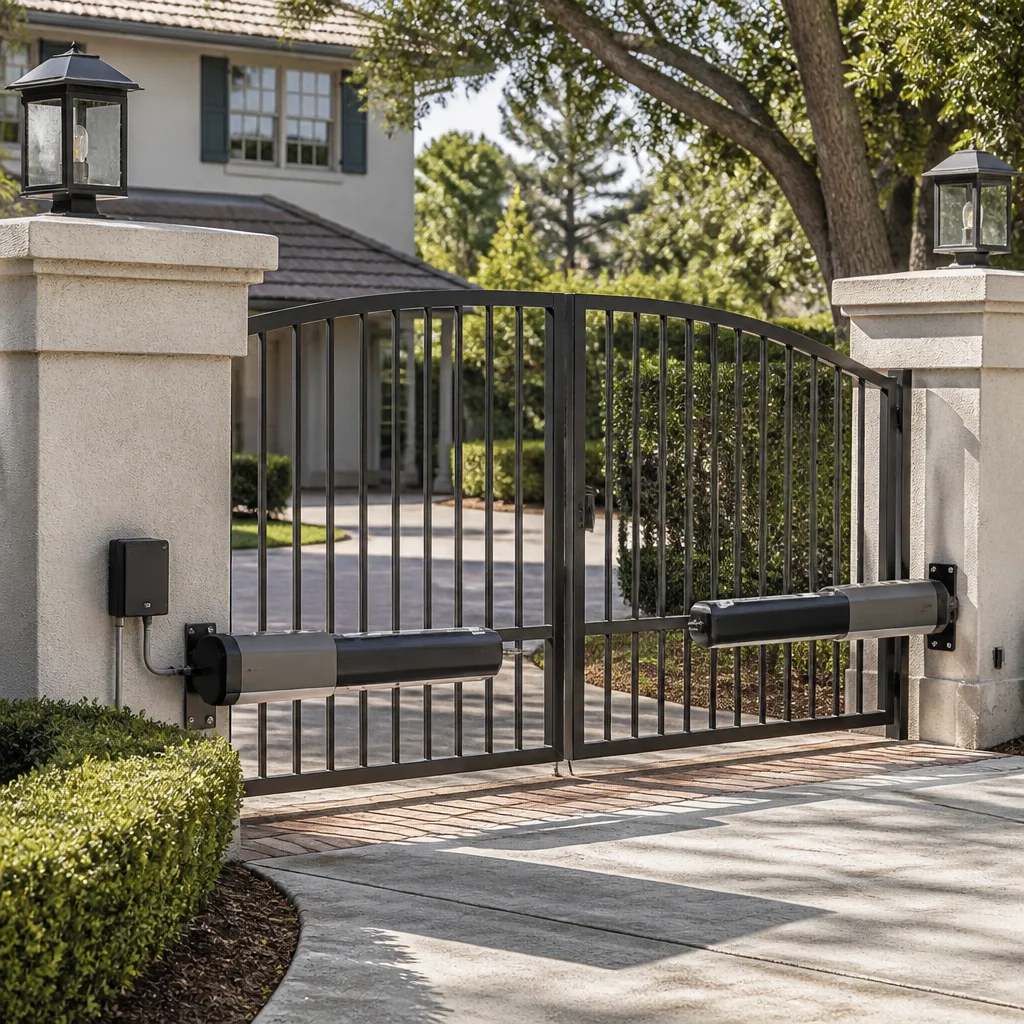 LiftMaster operators
Free on-site gate assessment - hinges, posts, and your LiftMaster or Nice gate operator checked before anything is quoted
The assessment is free and the quote is the invoice.
Get your free estimateGate Access Control Troubleshooting: Common Problems and How to Fix Them
Resetting an access control board to factory defaults solves an apparent lockout in five minutes and creates a new problem: every credential, every user code, and every schedule that wasn’t written down is now gone. The reset was the right action in the wrong diagnostic category. That’s the trap we see most often in Boulder City, where a gate that won’t open gets treated as a software problem when the actual fault is a radio that’s been cooking in the afternoon sun for three summers. This guide sorts access control failures into three categories, shows you how to identify which one you’re in before you touch a setting, and explains what a properly documented fix should look like when the technician leaves.
Quick Answer
Gate access control problems fall into three categories: credential problems (one code or card fails, others work), communication problems (the keypad or intercom works locally but the gate or app doesn’t respond), and hardware problems (nothing responds at all, or responses are intermittent). Identify the category first by asking two questions: does one credential fail or all of them, and does the keypad respond at all. The category determines the fix. Getting it wrong is how a single bad keypad becomes a system-wide lockout.
Styles & brands we work with
- Wrought iron
- Wood & steel frame
- Farm & ranch
- Sliding driveway gates
- LiftMaster operators
Table of Contents
- The Three Failure Categories (and How to Sort Them)
- Two Sorting Questions That Save Diagnostic Time
- Troubleshooting Cloud-Connected Systems: Local, Network, or Platform?
- The Boulder City Problem: Heat and West-Facing Intercoms
- When One Credential Fails and the Rest Work
- When Nothing Responds: Power, Wiring, and the Controller
- What to Gather Before You Call for Service
- What a Properly Documented Fix Looks Like
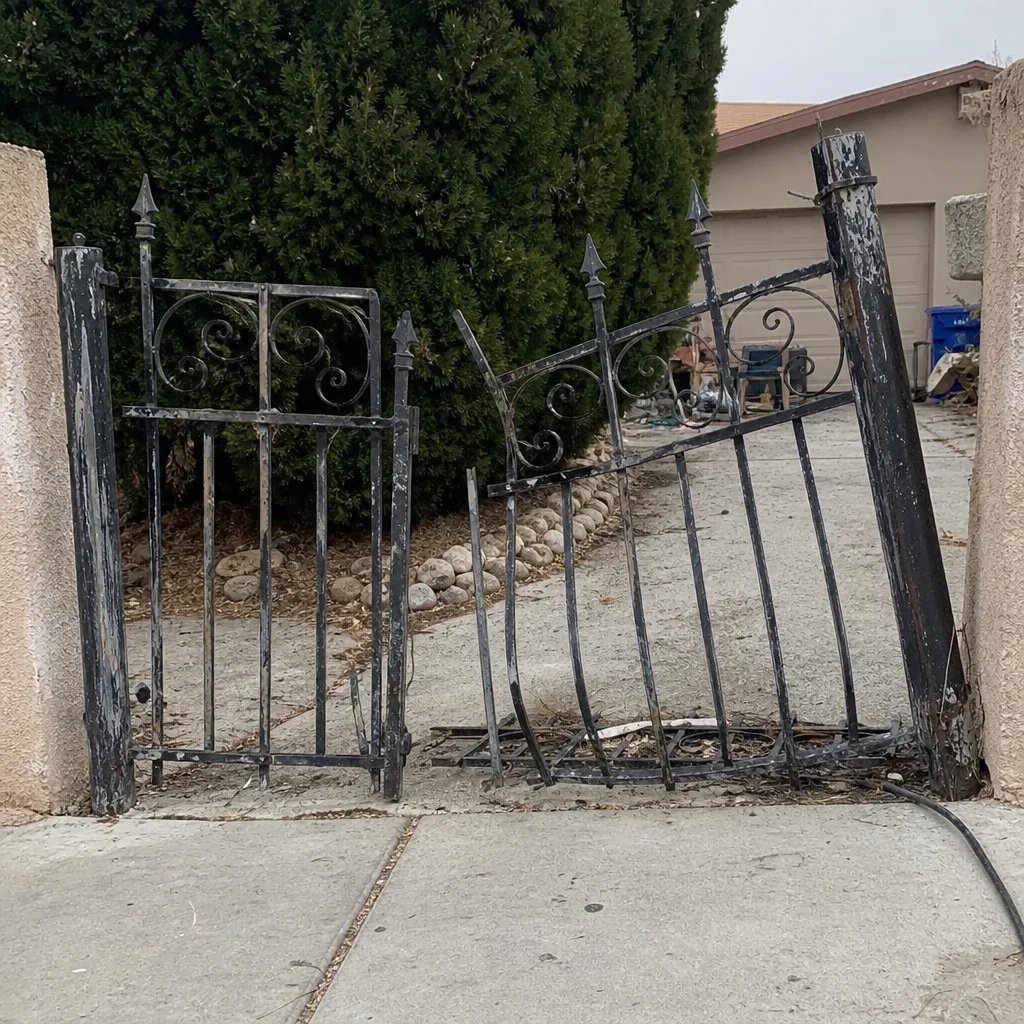 Before
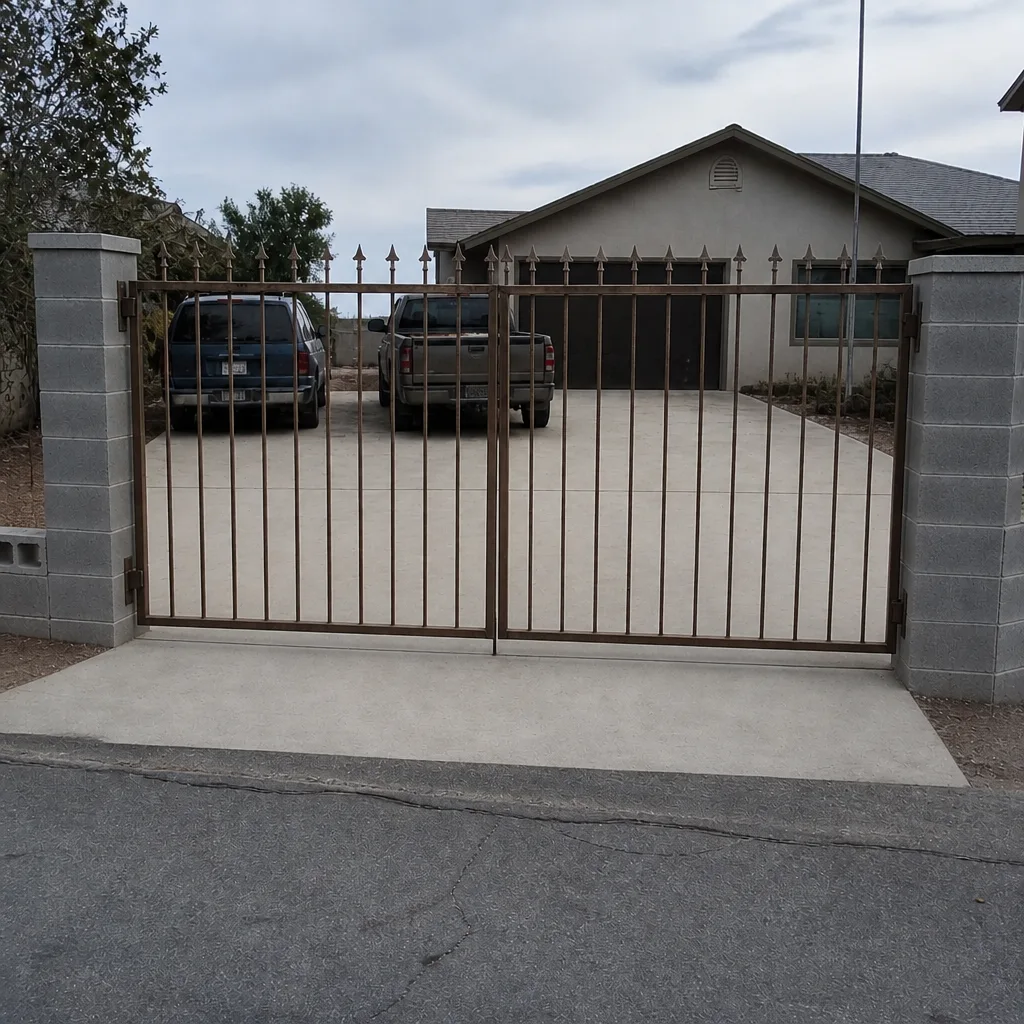
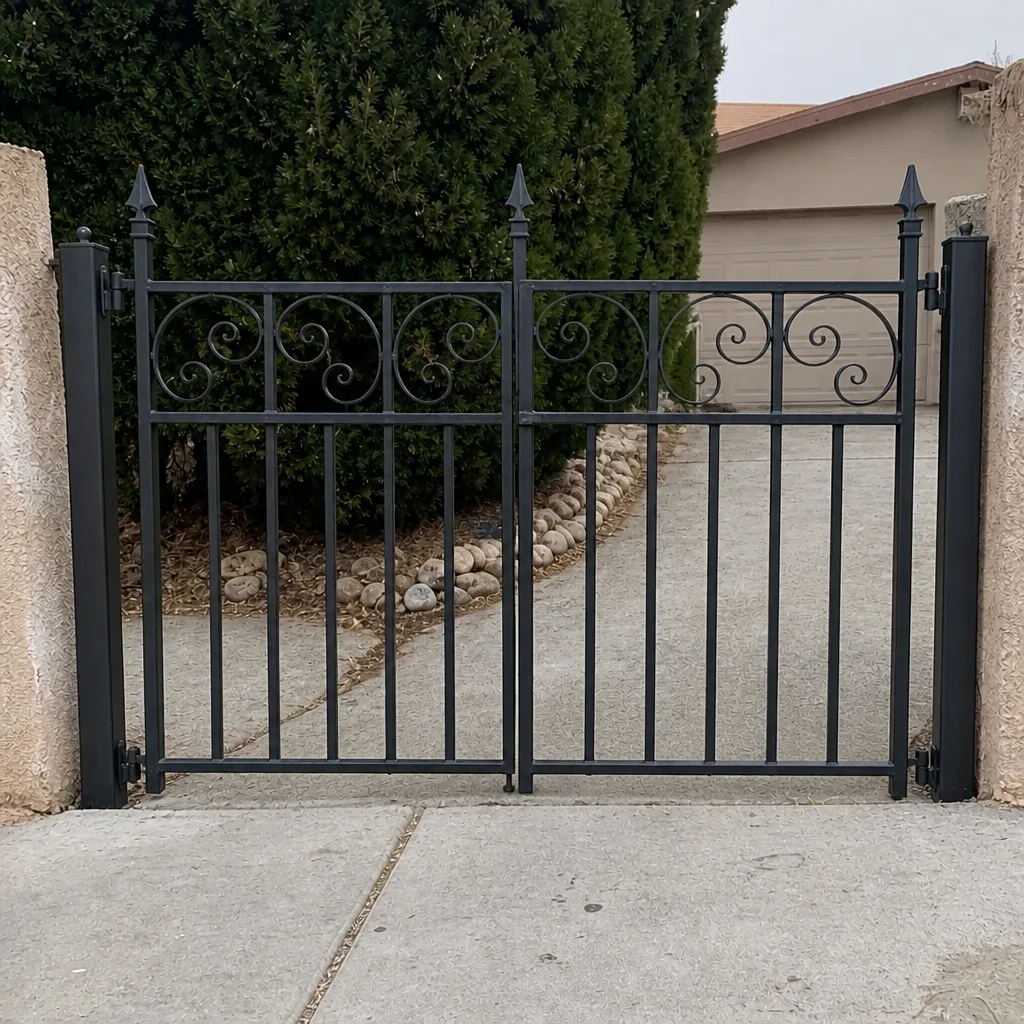 After
The Three Failure Categories (and How to Sort Them)
Every access control fault we’ve diagnosed on a residential driveway gate sorts into one of three buckets. The category tells you where to look, and more importantly, where not to look. Applying a credential fix to a hardware problem wastes an afternoon. Applying a hardware fix to a credential problem can lock out every user on the system at once.
Credential problems are specific to one user, one code, one card, or one fob. The gate works for everyone else. A neighbor’s code opens it fine; yours doesn’t. This is almost always a programming issue: the code was deleted, the fob battery died, the access schedule expired, or the user was never fully saved to the board. The hardware and the communication path are healthy. Only the credential is broken.
Communication problems sit in the middle. The keypad lights up and beeps, the credential is accepted, but the gate doesn’t move, or the app shows the gate as offline, or the intercom rings inside the house but the door release doesn’t fire. Here the credential is fine and the hardware may be fine, but the signal isn’t reaching the controller, or the controller isn’t reporting back. Cloud-connected systems add a third link in this chain (the platform), which we’ll cover below.
Hardware problems are the broadest category. Nothing responds. No lights, no beeps, no relay click. Or the gate responds intermittently, opening on some attempts and ignoring others. Power supply, wiring, the controller board itself, the radio receiver, and the actuator all live here. A dead 12-volt transformer and a failed receiver board look identical from the driver’s seat, and both belong to this category, not the credential one.
We work on whatever motor is already on the property, which matters for this sorting. A LiftMaster board, a FAAC receiver, and a Linear keypad all fail in these same three categories, but the diagnostic steps inside each category differ by brand. Knowing which brand you’re standing in front of is the first piece of information worth writing down.
Two Sorting Questions That Save Diagnostic Time
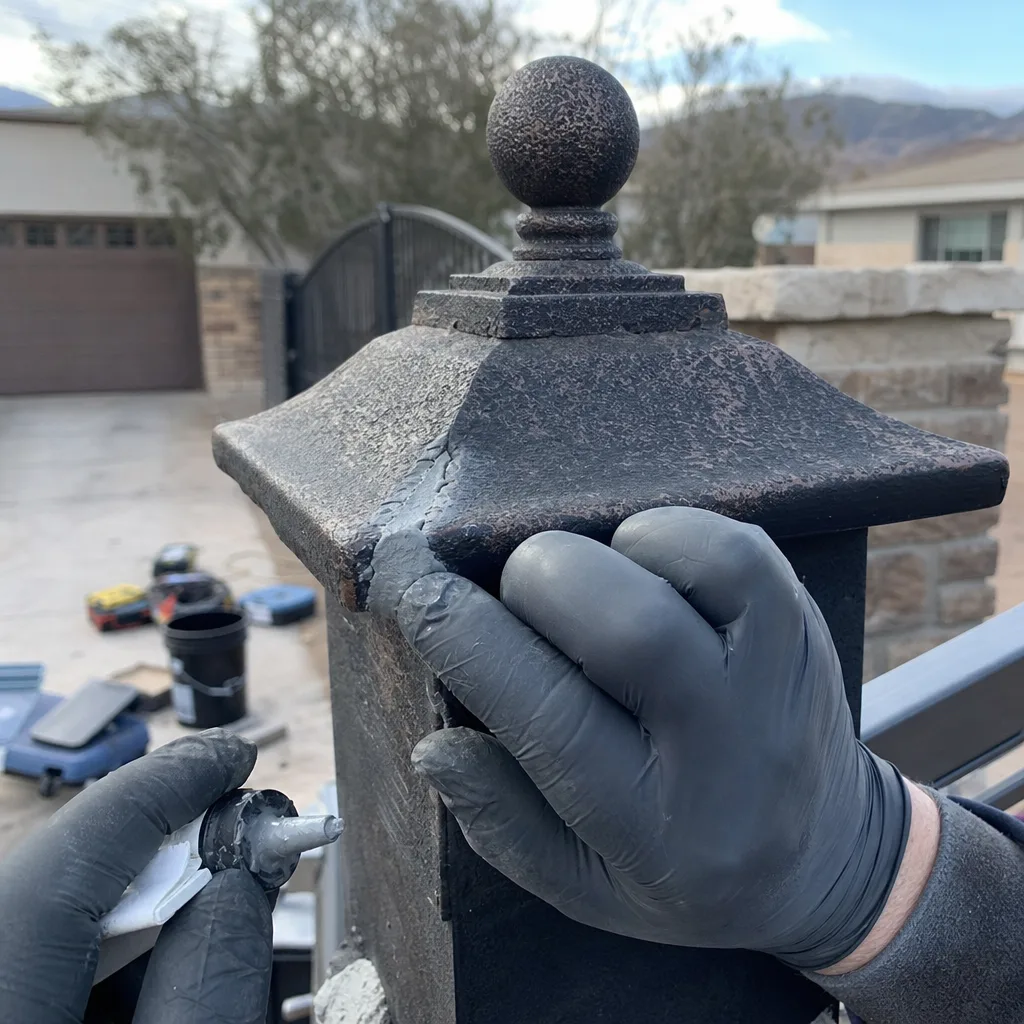
Before you open a manual or call anyone, ask two questions in this order. The answers place you in a category in under a minute.
- Does one credential fail, or do all of them? Test a second code or a second fob that you know worked recently. If one fails and the other works, you’re in credential territory. If both fail, you’ve moved to communication or hardware. This question alone eliminates a third of the diagnostic work.
- Does the keypad respond at all? Watch for a light, a beep, a backlight, anything. A keypad that’s completely dark has no power, which is a hardware problem, not a logic problem. A keypad that responds but doesn’t open the gate has power and is talking, but the signal isn’t getting through. That’s communication or a credential the system is rejecting.
There’s a third question worth asking once you’ve answered the first two: did the problem start suddenly or gradually? A sudden failure (worked at 8 a.m., dead at noon) points to a component failure, a tripped breaker, or a power surge. A gradual failure (flaky for two weeks, then dead) points to a dying battery in a keypad or fob, a corroding connection, or an overheating component. In Boulder City, the gradual pattern is the one to watch, because heat damage doesn’t announce itself. It degrades a radio over a summer and you notice in October.
Write down what you find before you change anything. The time of the last successful operation, the exact error code on the display, and which credentials failed are the three facts that cut a service call from an hour of guesswork to twenty minutes of confirmation. When a technician arrives already knowing the category, the diagnosis becomes verification rather than exploration.
Troubleshooting Cloud-Connected Systems: Local, Network, or Platform?
Cloud-connected gate systems (an app on your phone, a keypad that talks to a hub, a controller that reports status to a platform) add a third possible failure point. The old rule of thumb still works: a problem is local, network, or cloud, and you troubleshoot in that order, from the inside out.
Start local. Does the gate open from the keypad at the gate, or from a hardwired button in the house? If yes, the controller, the actuator, and the safety devices are working. The problem is not the gate. It’s the path between you and the gate.
Then check the network. Is the router broadcasting? Is the cellular module on the controller showing signal bars, or is the antenna cable loose? A controller that dropped off Wi-Fi after a router reboot is a network problem, not a gate problem, and it fixes with a reconnect, not a service call. If the controller has a wired Ethernet connection, check the link light. If it uses cellular, check that the module has power and a SIM that hasn’t lapsed.
Only then suspect the platform. Cloud outages happen. If the gate works locally and your network is healthy but the app shows the gate as offline, check the platform’s status page before you touch hardware. A vendor-side outage resolves on the vendor’s schedule, and no amount of gate-side troubleshooting will fix it. We’ve seen homeowners spend an afternoon resetting a controller that was never the problem, while the platform’s own status page said “degraded service” in plain text.
The sequence matters because it’s ordered by likelihood and by how much each step costs to check. Local checks cost nothing and fix most problems. Network checks cost a few minutes. Platform checks cost a phone call or a status-page refresh. Do them in that order and you won’t rebuild a working system chasing a fault that lives somewhere else.
The Boulder City Problem: Heat and West-Facing Intercoms
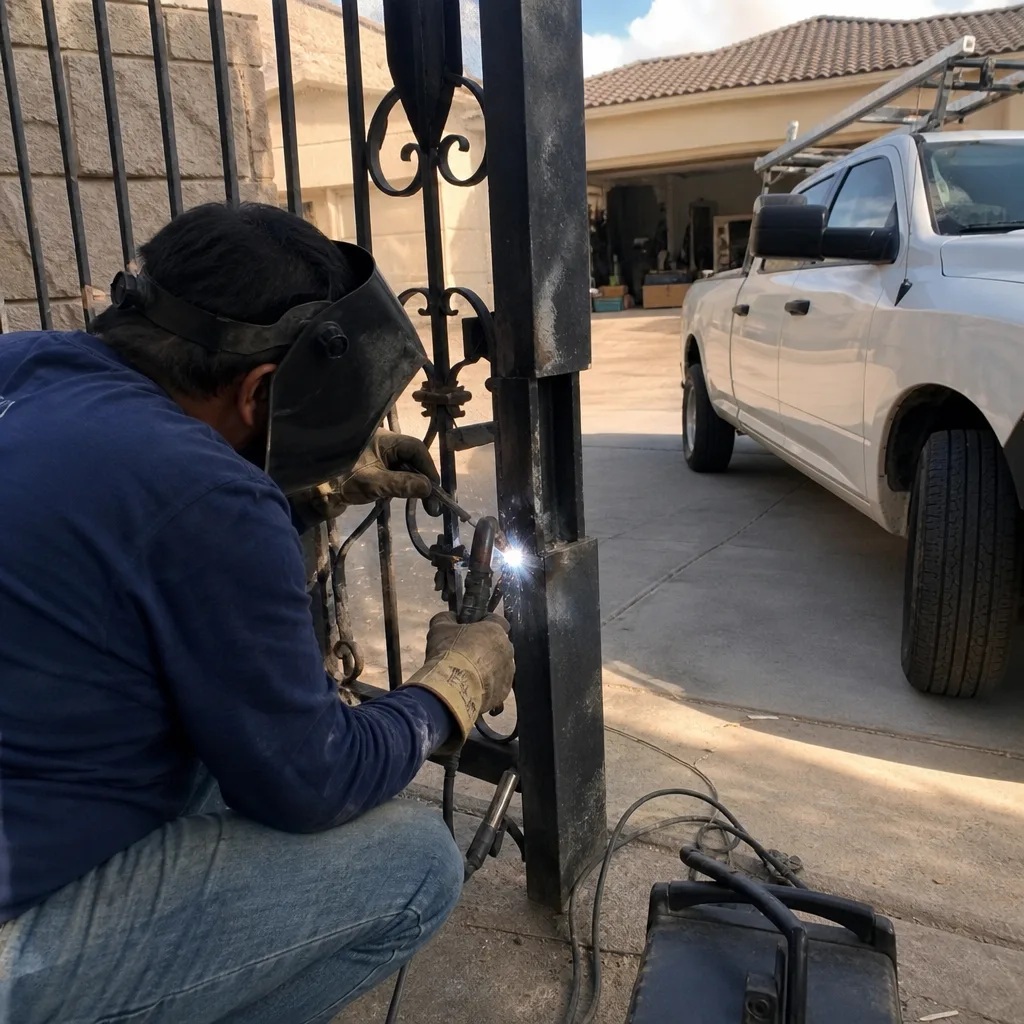
The most common access control failure we see in Boulder City isn’t a credential and isn’t a wiring fault. It’s heat. An outdoor-rated intercom or keypad mounted on a west-facing wall takes direct afternoon sun from May through September, and the internal radio or Wi-Fi chip fails long before the housing does. The unit still powers up. The keypad still beeps. But the radio inside has drifted or died, and the gate stops responding to remote commands while working fine from a hardwired button.
Boulder City summers regularly push past 105°F, and a west-facing metal wall in direct sun can run 30 to 40 degrees hotter than the air temperature. “Outdoor-rated” means the housing tolerates weather. It doesn’t mean the radio chip inside tolerates being baked at 140°F for four months a year. We’ve replaced more intercom radios on west-facing walls here than on every other wall orientation combined.
What to watch for:
- The gate works in the morning and fails in the late afternoon. That pattern is thermal, not credential.
- Remote commands fail but the hardwired button works. The controller is fine; the radio path is not.
- The failure appeared after the first hot stretch of the year and got worse as summer went on.
- The intercom housing is warm to the touch at 4 p.m. That’s a data point worth noting.
This is a hardware problem, not a credential one, but it mimics a credential failure because the gate “sometimes” works. Homeowners often start deleting and re-adding user codes when the radio is the actual fault. The fix is usually relocation of the unit to a shaded wall, a sun shield, or replacement of the radio module. We’ll photograph the mounting position and the temperature exposure as part of the visit so the next person doesn’t re-diagnose it. If you’re seeing this pattern, this is where a gate motor & opener in Boulder City service call earns its keep, because the radio and the operator share a diagnostic path.
When One Credential Fails and the Rest Work
Credential failures are the most common and the most fixable. The gate works for everyone except one person, or one code stopped working after a power blip. Work through these in order.
- Test a known-good credential. If a second code opens the gate, the system is healthy and the failed credential is the problem.
- Check the fob battery. A dying battery in a fob produces intermittent failures that look like programming errors. Replace the battery before reprogramming anything.
- Check the access schedule. Many systems store a time-of-day or day-of-week window for each user. A code that “stopped working” on a Monday may simply have expired or be outside its schedule.
- Confirm the user is saved. A code entered but not committed to the board will work once and vanish. Re-enter it and listen for the confirmation beep before you close the keypad.
- Check for a system-wide purge. If several credentials failed at once after a power event, the board may have lost its memory. That’s not a credential problem anymore; it’s a hardware or backup problem, and it belongs in the next section.
One more detail worth knowing: on many keypads, a user code and a “master” code occupy the same memory, and entering the master code by accident can put the keypad into programming mode instead of opening the gate. If your code “opens nothing” but you hear a series of beeps, you may be in programming mode, not failing to authenticate. Check the display for a mode indicator before you assume the credential is broken.
When Nothing Responds: Power, Wiring, and the Controller
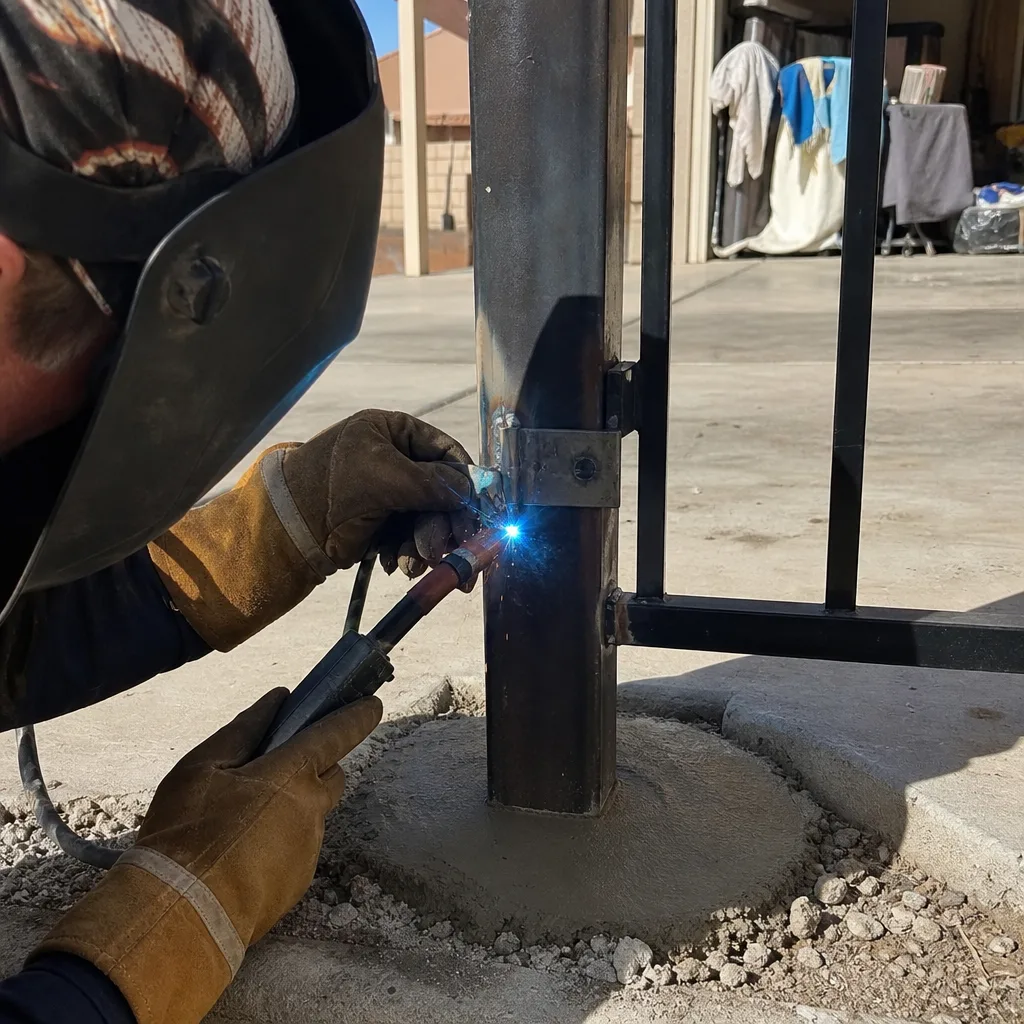
Total failures are the easiest to place in a category and the hardest to fix without tools. If the keypad is dark and the hardwired button does nothing, you have a hardware problem, and the diagnostic order is power first, wiring second, controller third.
- Power. Check the breaker feeding the gate circuit and the transformer output. A tripped GFCI at the house is a common and cheap culprit. A failed 12-volt or 24-volt transformer is the next most common.
- Wiring. Look for rodent damage, corrosion at the terminal block, and loose connections at the keypad and the controller. In Boulder City, sun-baked insulation and seasonal temperature swings work connections loose over a few years.
- Controller and receiver. If power and wiring are good, the board or the receiver module is suspect. A receiver that’s lost its memory after a surge behaves like a brand-new board with no credentials on it.
This is where the trade’s real vocabulary earns its keep. A photo-eye (the infrared beam that stops the gate if something crosses the path) that’s misaligned can make a gate refuse to close, which looks like an access problem but is a safety-device problem. A limit switch set past travel can make the gate stop mid-cycle. Neither is a credential issue, and neither gets fixed by touching the keypad. On a LiftMaster or BFT operator, these are separate diagnostic paths from the access control head, and a technician who knows the operator brand will go straight to them.
Because these components sit near line voltage and the operator arm stores mechanical energy, this is the point where we recommend a trained professional rather than a homeowner with a multimeter. The circuit that feeds a gate operator is not a place to learn electrical work.
What to Gather Before You Call for Service
The information you collect before you call cuts diagnostic time and service cost. A technician who arrives knowing the category, the error code, and the time of the last successful operation spends the visit confirming instead of searching. Gather these five things:
- The exact error code, written down. Not “it flashed red.” The number or symbol on the display is the fastest path to a diagnosis.
- Which credentials fail. One code? All codes? One fob? The pattern places you in a category before anyone arrives.
- The time of the last successful operation. “It worked at 7:30 this morning” tells a technician whether to look for a power event, a thermal issue, or a network drop.
- The brand and model. LiftMaster, FAAC, BFT, Linear, and the rest each have their own diagnostic quirks. The model number is usually on a label inside the keypad or on the operator housing.
- What changed recently. A router reboot, a power outage, a landscaper working near the wiring, a new fence panel. Recent changes narrow the search.
If you have a written estimate from another company, we’ll review it at no cost as a free second opinion. Bring the paperwork. Comparing the scope line by line is faster than re-diagnosing from scratch, and it tells you whether the proposed fix belongs in the right category.
What a Properly Documented Fix Looks Like
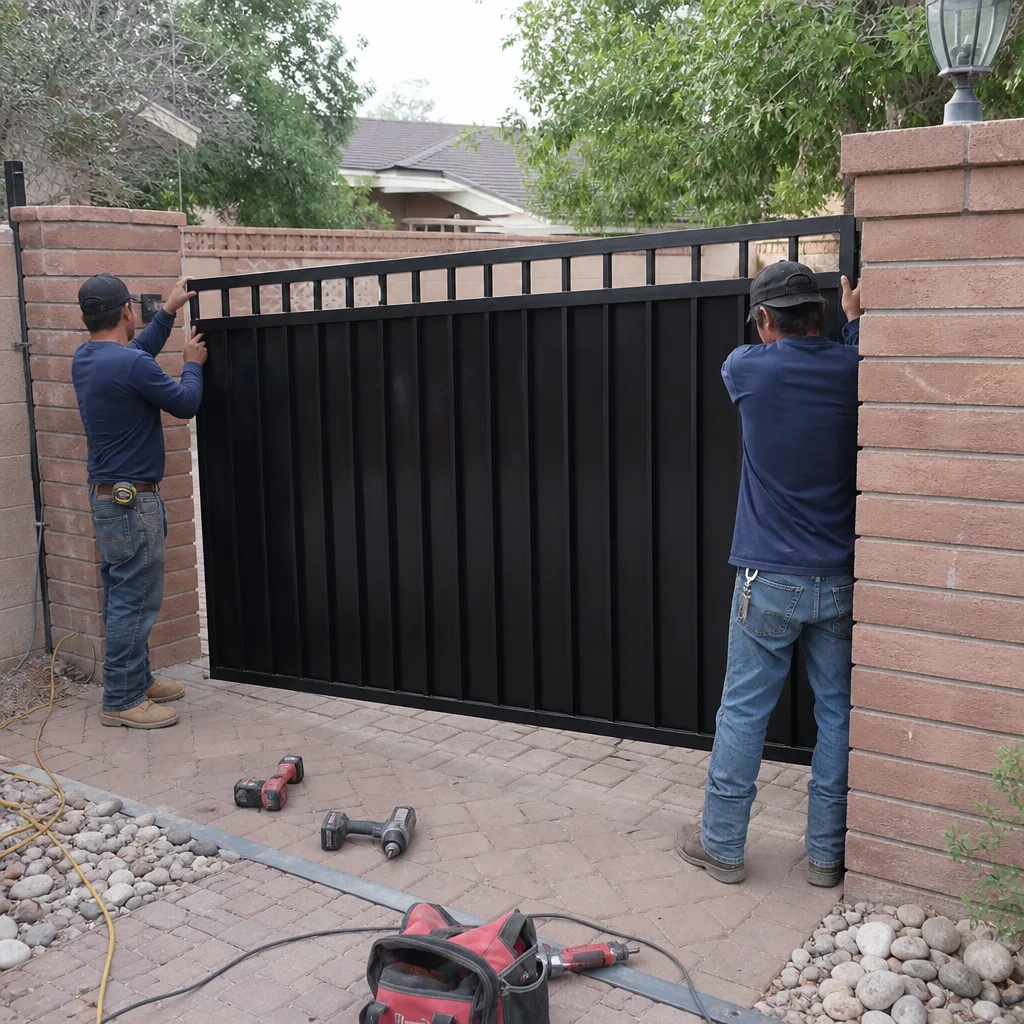
A resolved access control problem should leave you with more than a working gate. It should leave you with paper. The difference between a fix that lasts and one that gets re-diagnosed in eighteen months is the record that walks out the door with the homeowner.
Under The Haven Standard, every visit includes a documented photo record at no additional charge: what was found, what was adjusted, and what was replaced. For an access control job specifically, the record should include:
- The fault identified, named in plain language and in the brand’s own terms.
- The fix applied, with any part numbers written down.
- A written list of every active credential, who it belongs to, and its access level or schedule.
- Photos of the wiring, the terminal connections, and any limit-switch or receiver setting changed.
- The written price, quoted and agreed before any work started.
That credential list is the part most people skip, and it’s the part that matters most. If the board fails again, the system can be rebuilt from paper in an afternoon instead of a week of collecting codes from neighbors and family. We’ve rebuilt systems from a photo log more than once. We’ve never rebuilt one from memory.
Documentation is also how the 365-Day Done Right Promise gets honored without argument. If something we set goes wrong inside the year, the record tells us what we touched, and we make it right at no additional charge. No expiration date within that window, no fee, no back-and-forth. That’s the point of writing it down.
Common Mistakes to Avoid
- Resetting to factory defaults first. A reset wipes every credential and schedule on the board. It’s a last resort, not a first step. Sort the category before you reset anything.
- Replacing the keypad when the radio is the fault. In Boulder City, a west-facing intercom that fails in the afternoon heat is a radio problem, not a keypad problem. A new keypad will fail the same way in the same spot.
- Deleting and re-adding codes to fix a thermal failure. If the gate fails only when it’s hot, the credential is fine and you’re editing a working system. Watch for the time-of-day pattern before you touch a setting.
- Ignoring the hardwired button. Testing the gate from the house button first tells you whether the problem is the gate or the path to it. Skipping that test sends you down the wrong category.
- Assuming a router reboot fixed everything. A controller that reconnects to Wi-Fi is back online, but if it dropped because the cellular module is loose or overheating, it will drop again next week. Fix the cause, not the symptom.
- Not writing down the working credentials. The single cheapest insurance against a future lockout is a written list of every active code and its access level, kept somewhere other than the keypad. Most homeowners don’t have one.
- Working on the controller’s line-voltage side yourself. The circuit feeding a gate operator isn’t a DIY project. Power off at the breaker, document what you see, and call a trained technician for anything past the low-voltage keypad wiring.
See the difference
BeforeAfter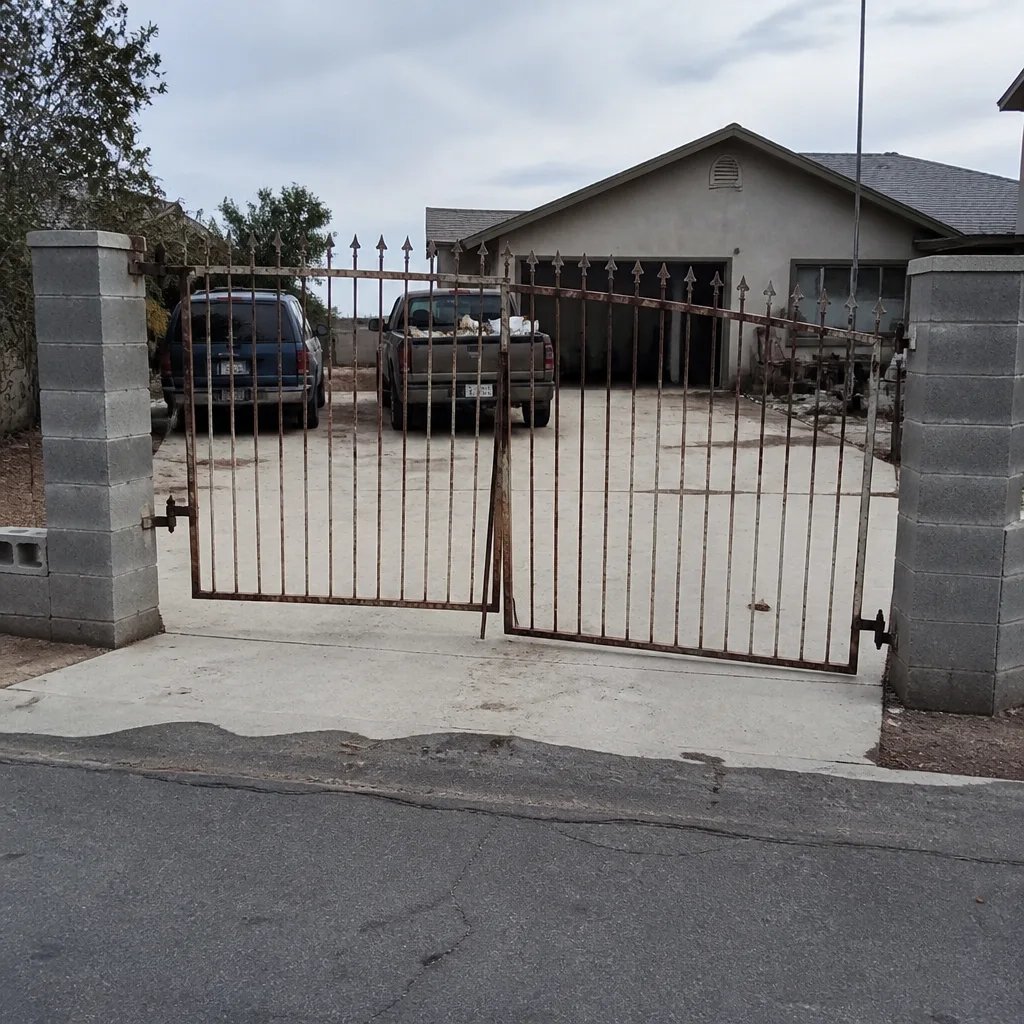 Before
 After
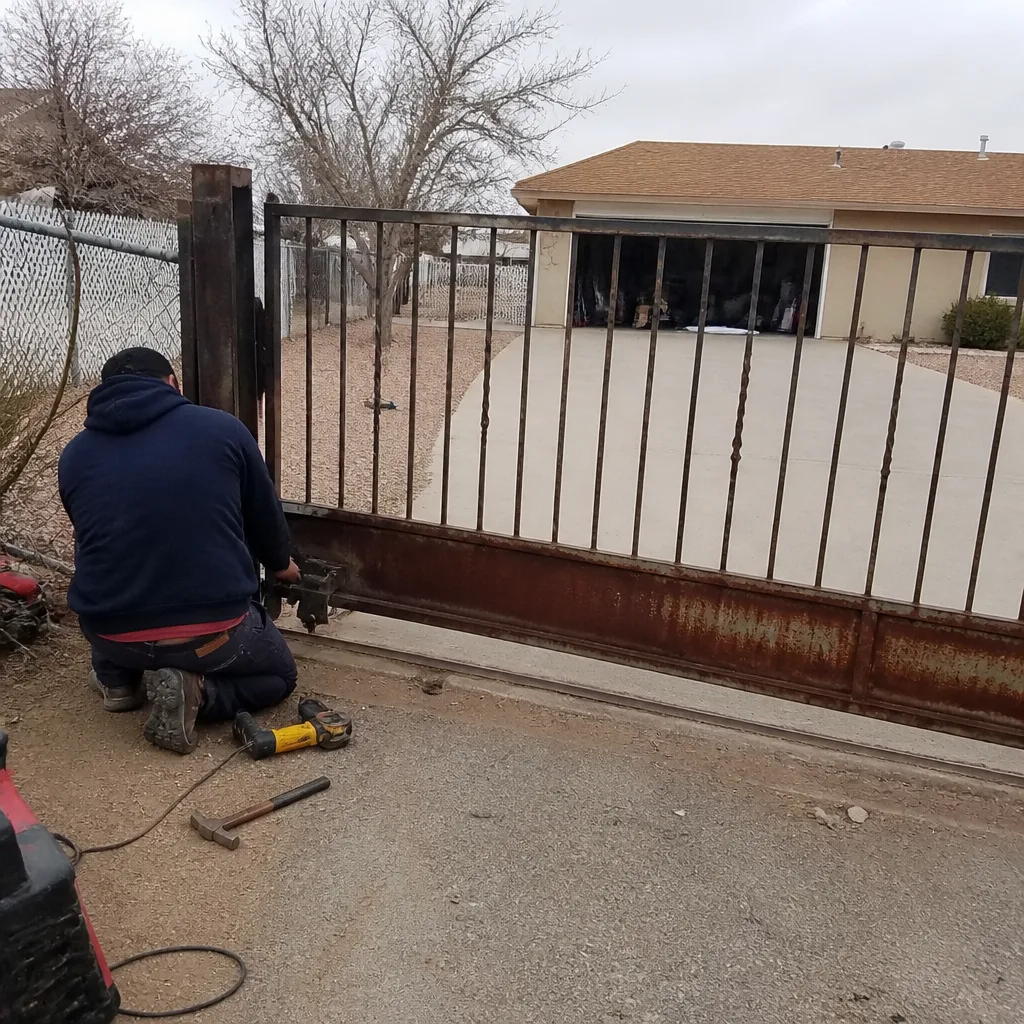 Before
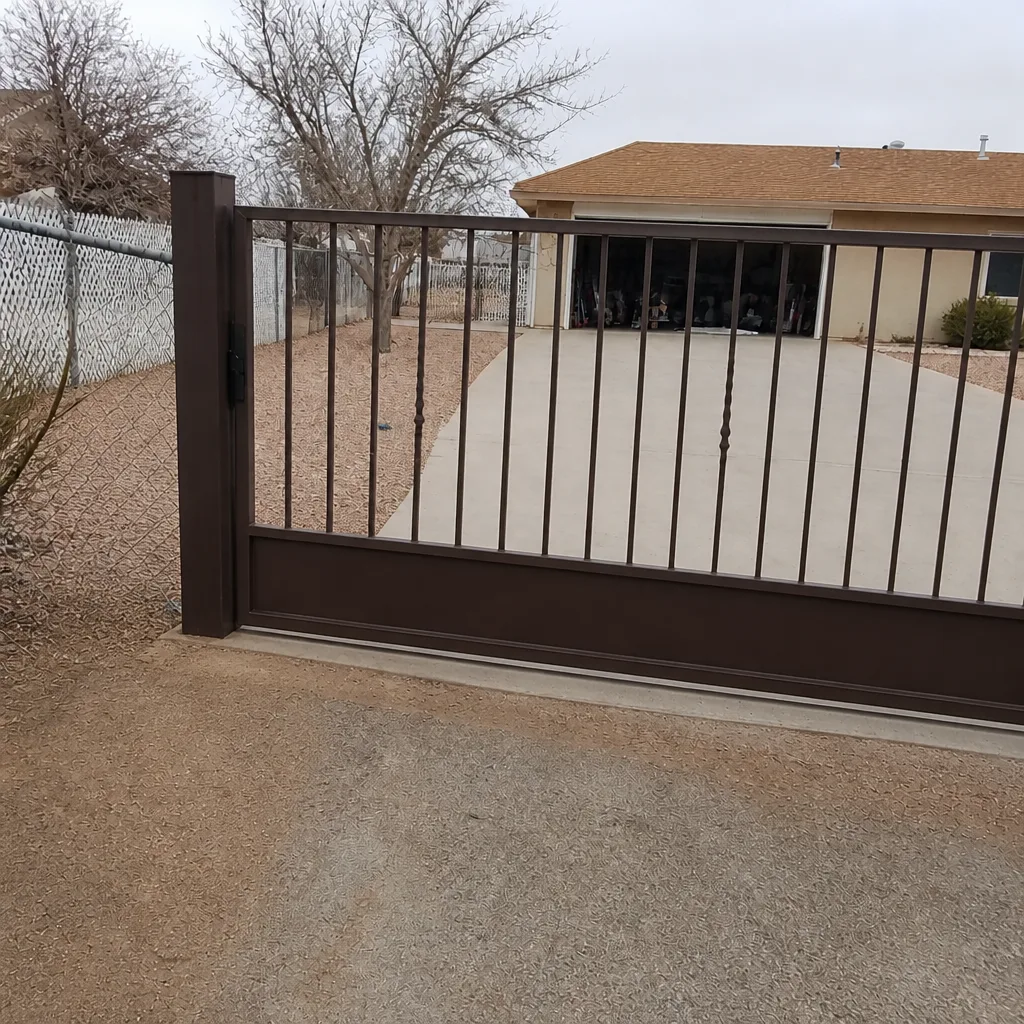 After
When to Call a Professional
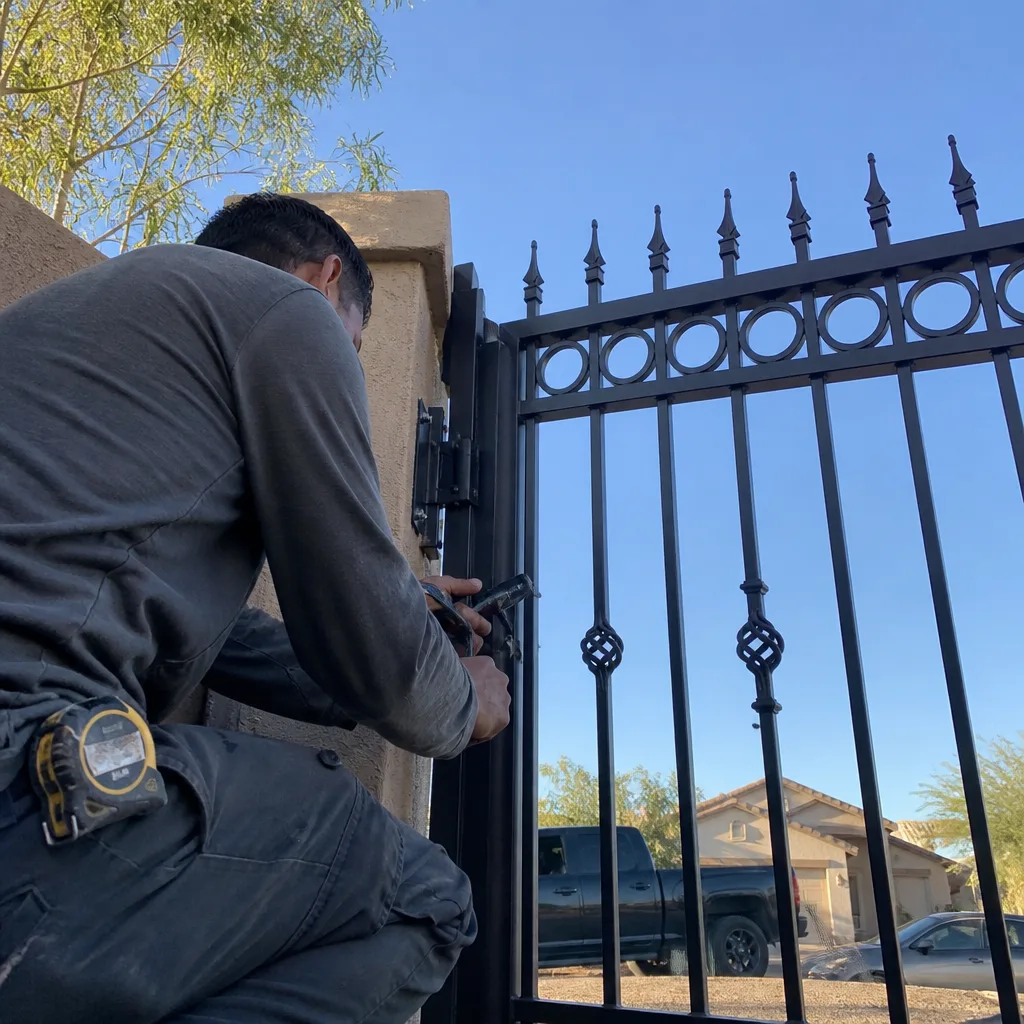
Call us when the keypad is dark and the hardwired button does nothing, because that’s a power or controller fault that needs a meter and a trained eye. Call when the gate fails only in the afternoon heat, because that points to a radio module that needs replacement or relocation, not reprogramming. Call when several credentials vanished at once after a power event, because the board may have lost its memory and rebuilding it from a written record takes a technician who knows the brand. And call if you’ve already reset the board once and the problem came back, because a repeat failure means the first diagnosis was in the wrong category. Vance Gate Repair Boulder City offers free estimates in Boulder City, quoted in writing before any work starts. Call (844) 320-7587 and a live person answers, at any hour.
Frequently Asked Questions
The most common cause in Boulder City is heat failure of the radio or Wi-Fi chip inside a west-facing keypad or intercom, especially between May and September. The unit still powers up, but the radio has drifted or died, and the gate stops responding to remote commands while working fine from a hardwired button. The second most common cause is a failed transformer or a tripped breaker. Check the hardwired button first to tell which category you’re in, then call (844) 320-7587 for a written estimate.
A factory reset does open the gate again, but it deletes every credential and schedule on the board, so every user has to be reprogrammed from scratch. It’s the right action only when the board has actually lost its logic, not when a single credential or a radio has failed. Sort the category first: if one code fails and others work, the problem is credential-level and a reset is the wrong tool. Call (844) 320-7587 if you’re unsure which category you’re in.
Try the gate from the hardwired button inside the house first. If it opens, the gate and controller are working and the problem is the path to them (network or cloud). If the hardwired button does nothing, the problem is local to the gate. Then check your router and the controller’s signal indicator, and only then check the platform’s status page. Work the sequence from the inside out. Call (844) 320-7587 if the sequence doesn’t isolate a clear fault.
Yes. We service nine major gate automation brands, including LiftMaster, FAAC, BFT, Linear, Viking, Ghost Controls, DoorKing, Elite, and Mighty Mule, so you don’t get steered toward a replacement motor when a repair will do. Bring the make and model, or we’ll identify it from the label on the housing. Our technicians have up to 12 years of experience. Call (844) 320-7587 for a free estimate in Boulder City.
Have the exact error code written down, which credentials fail (one code or all of them), the time of the last successful operation, the brand and model number, and anything that changed recently (a router reboot, a power outage, landscaping work near the wiring). That information cuts diagnostic time and service cost because the technician arrives knowing the category. Call (844) 320-7587 and we’ll walk through it.
Under The Haven Standard, every visit includes a photographed record of what was found, what was set, and what was installed, plus a written list of every active credential and its access level, and the written price agreed before work started. The credential list is what lets you rebuild the system from paper if the board fails again. The 365-Day Done Right Promise covers the repair for a full year at no additional charge. Call (844) 320-7587 to schedule.
The Bottom Line
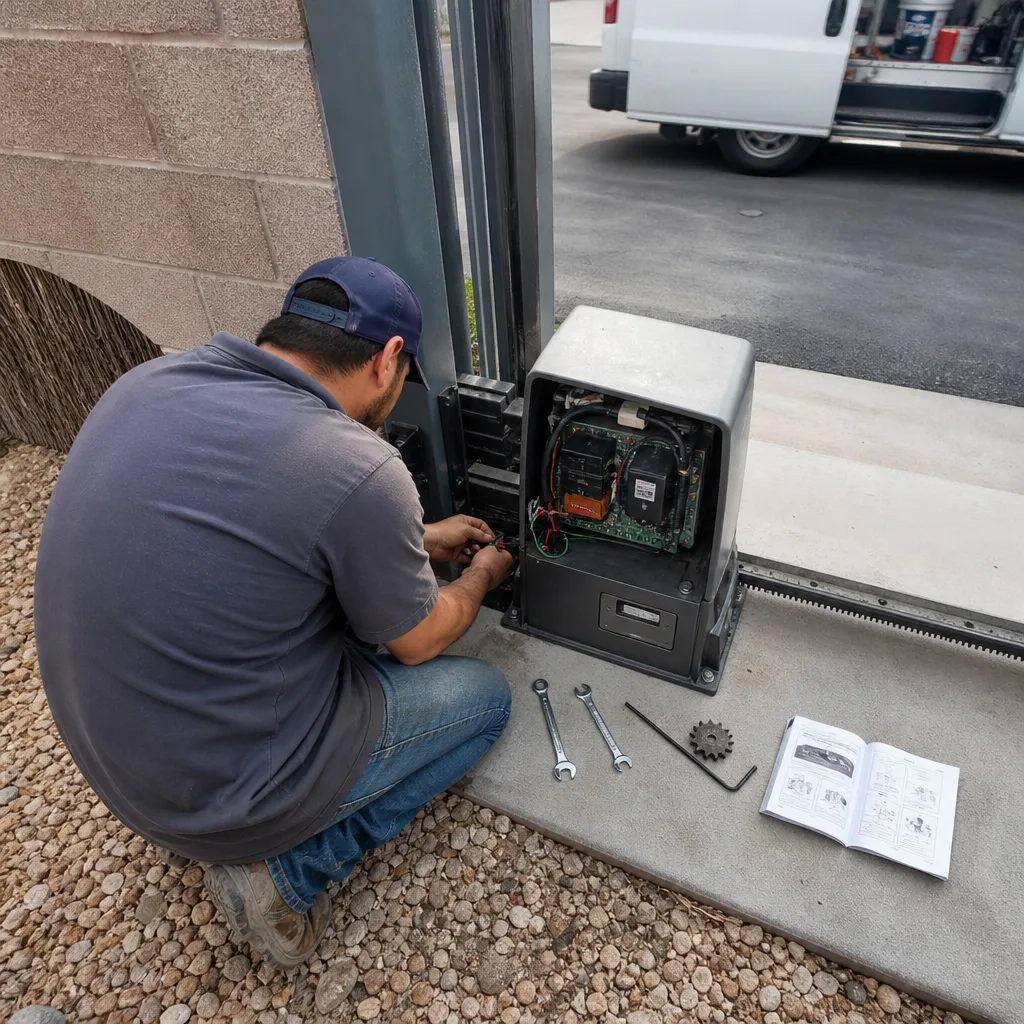
Access control failures split into credential, communication, and hardware problems, and the fastest fix starts with sorting your fault into the right category before you touch a setting. Test a second credential to rule out the credential category. Test the hardwired button to separate the gate from the path to it. Check power and wiring before you suspect the board. In Boulder City, watch for the afternoon failure pattern, because heat in a west-facing intercom mimics a credential fault and gets misdiagnosed constantly. Gather the error code, the failing credentials, and the time of last success before you call. A resolved fix should leave you with a photo log and a written list of every active credential, so the system can be rebuilt from paper if it ever fails again.
For gate repair, installation, motors, access control, or parts and welding, start with a written price before any work begins. Call Vance Gate Repair Boulder City at (844) 320-7587 for a free estimate. A live person answers at any hour. You can also start with our Vance Gate Repair Boulder City home page, read about Gate Repair in Boulder City, plan a new gate with Gate Installation in Boulder City, or dig into operator diagnostics on our Gate Motor & Opener in Boulder City page.
Written by the team at Vance Gate Repair Boulder City.